Track users through a form
Learn how to track users who submit a form through your landing page by adding a landing page Liquid tag to your messages. This Liquid tag is supported across all Braze messaging channels, including email, SMS, in-app messages, and more. To learn more about tracking data, see About landing page tracking data.
Prerequisites
Before you start, you’ll need to create a landing page and a campaign.
How it works
You can add a {% landing_page_url %} Liquid tag to any of your single or multi-channel messages in Braze. When a user visits that landing page and submits the form, Braze will automatically link that data to their existing profile, rather than create a new profile for that user. In the following example, a the landing page Liquid tag is used to link customers to a survey:
<a href="{% landing_page_url customer-survey %}" class="button">Take the Survey!</a>

You can also use landing pages for lead generation by embedding the page URL into your external channels. After you create a landing page, go to Landing Page Details to get the unique URL for your landing page.
Use landing page Liquid tags
Step 1: Verify the page URL
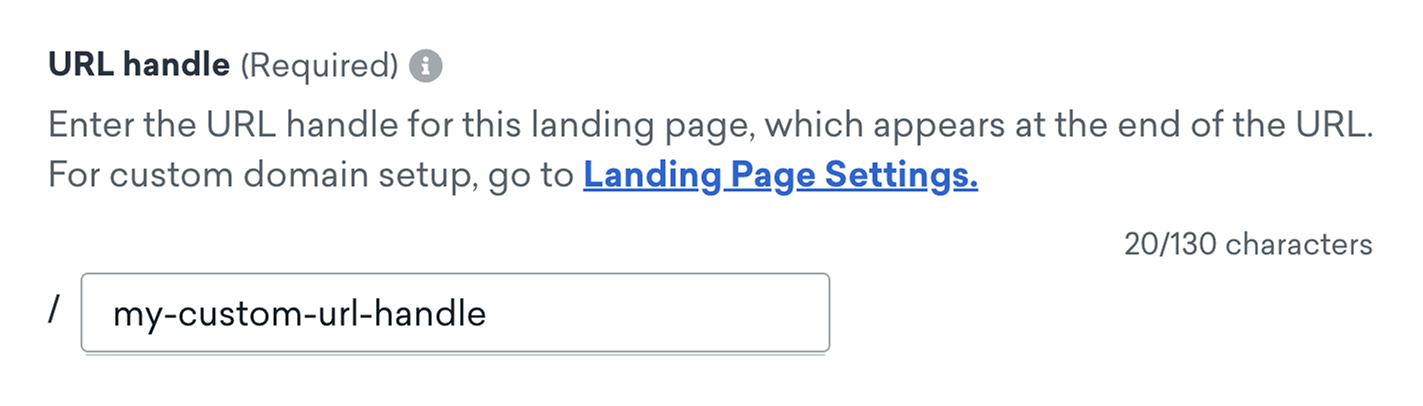
Braze will use your landing page’s URL to generate its unique Liquid tag. If you want to change the current page URL, go to Messaging > Landing Pages, then open your landing page. Under page URL, you can enter a new page URL.
If you change the page URL after sending your message, any user that attempts to visit your landing page using the old URL will be sent to a 404 page.
Step 2: Generate the Liquid tag
Go to Messaging > Campaigns, then choose a campaign. In your message editor, select Personalization.
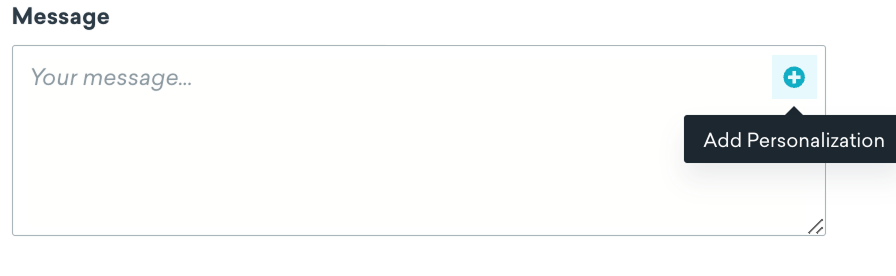
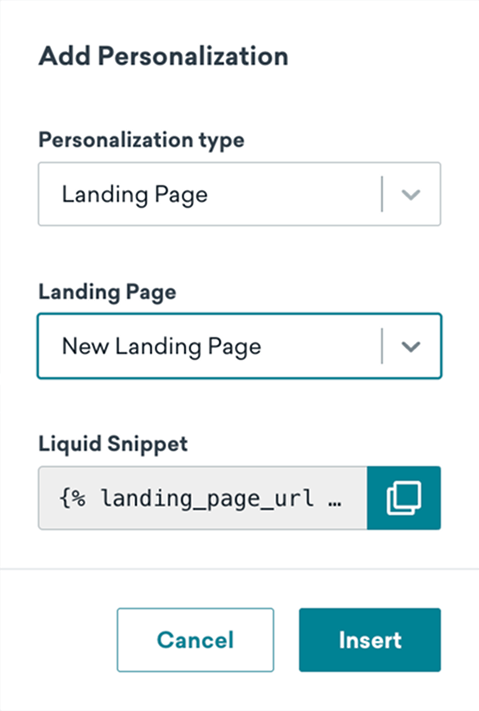
Braze will automatically generate a Liquid tag using your landing page URL. Refer to the following table to generate your tag:
| Personalization type | Choose Landing Page. |
| Landing page | Choose the landing page you previously created. |
To add the Liquid tag to your message, you can either select Insert, or copy the snippet to your clipboard and add it manually.
Your snippet will be similar to the following:
{% landing_page_url custom-url-handle %}
Step 3: Finalize and send your message
Embed the Liquid snippet into your message, then finalize the rest of your message. For example:
<a href=" {% landing_page_url customer-survey %}" class="button">Take the Survey!</a>
When you’re ready, you can send the message to start tracking users through your landing page.
Use landing page URLs in Content Cards
Content Cards have a 2 KB payload limit that applies to the entire card after Liquid is rendered. When you include a {% landing_page_url %} Liquid tag, Braze counts the landing page tracking token as a fixed 32 bytes toward that limit—not the full length of the token. The rest of the URL and the card’s title, body, and other fields still count toward the limit as usual.