Managing tags
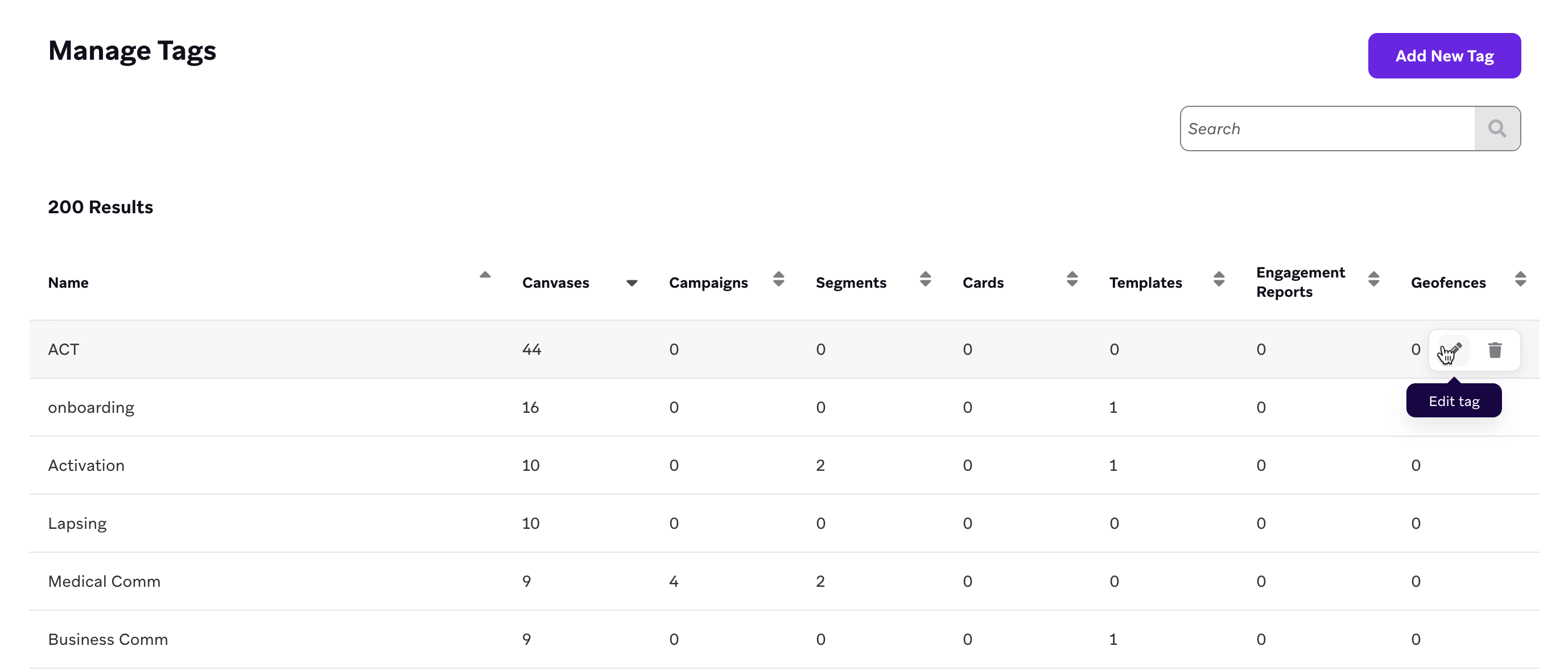
You can manage the tags you use across campaigns, Canvases, and segments from a central location. To rename, remove, or add tags, go to Settings > Tag Management.
To learn how to add tags to campaigns, Canvases, segments, and custom data, see Tags.
Nesting tags
To further organize your tags, you can nest them under a parent tag. For example, you can keep all holiday tags nested under a parent Holidays tag, or all tags related to a stage of your marketing funnel under a parent Funnel tag.
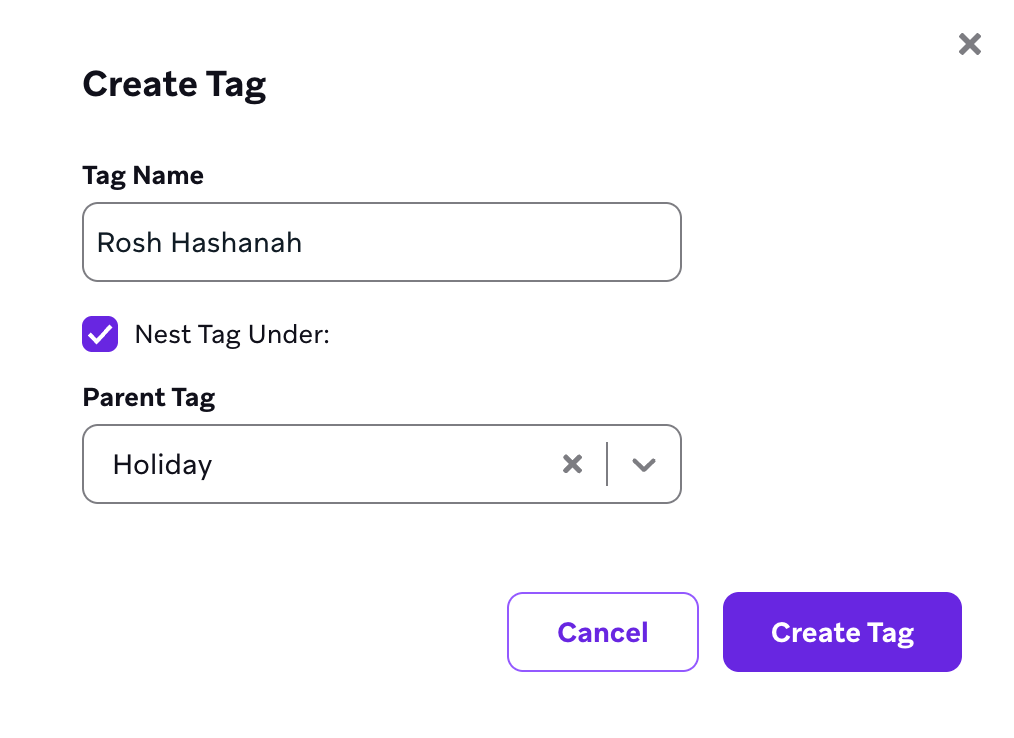
To nest a new tag, create a tag, select Nest Tag Under, and choose which existing tag to nest your new tag under.
To nest an existing tag, go to the Tag Management page, hover over a row with your tag, and select Edit. Then, select Nest Tag Under and choose the parent tag.
Parent tag is in use but missing from Nest Tag Under
When a parent tag is applied in the dashboard but does not appear in the Nest Tag Under dropdown while you create a new tag, re-create the parent as a standalone tag so it becomes searchable in the list. This behavior is expected when the parent exists only as a nested dependency elsewhere in your workspace.
Best practices
Use tags to organize your campaigns, Canvases, and segments by business objectives, funnel stages, regions, and more.
The following table shows example tags that an eCommerce app might find useful:
| Funnel | Business Objectives | Regional | Campaigns | Holidays | Transactions |
|---|---|---|---|---|---|
| On-boarding Re-engagement Loyal PowerUser Churn Lost |
HighSpender ActiveUser NewUsers FacebookAttribution FirstAction |
UnitedStates Northeast Midwest South West LATAM AP WesternEurope MiddleEast |
Sales Coupons Events |
MLK SuperBowl PiDay StPatricksDay MarchMadness Easter Passover MothersDay MemorialDay FathersDay FourthJuly LaborDay VeteransDay ColumbusDay PresidentsDay Halloween RoshHashanah Thanksgiving Christmas Hanukkah NewYears |
Transactional Notification ConnectedActionTaken |
Use cases
The following are common use cases for using tags to manage your messaging lifecycle.
Throttling
Limit how often your customers receive campaigns of a certain type. For example, you could set the following filters to limit the frequency of promotional campaigns:
Last received campaign with tag Promo more than 5 days ago
OR
Has not received campaign with tag Promo
Reporting
Set up an Engagement Report to keep an eye on the volume of all campaigns with a certain tag. For example, if you want to monitor all of your push campaigns, you could add a tag like Push Reporting to those campaigns, then set up an Engagement Report to send you a report of those tagged campaigns every day.