In-app messages
In-app messages deliver content inside your app or website without interrupting users with a push notification. Customized in-app messages enhance the user experience and help your audience get more value from your product through layouts, personalization, and targeting tools. This hub covers message types, the drag-and-drop editor, prerequisites, and common use cases such as onboarding and promotions.
Prerequisites
Before you can send in-app messages, you need to integrate the Braze SDK into your app or website. No additional setup is required.
For minimum SDK versions and feature-specific requirements, refer to:
Use cases
With the rich level of content offered by in-app messages, you can leverage this channel for a variety of use cases:
| Use case | Explanation |
|---|---|
| Push priming | Run a push priming campaign using a rich in-app message to show your customers the benefit of opting into push for your app or site, and present them with a prompt to grant push permission. |
| Sales and promotions | Use modal in-app messages to greet customers with visually appealing media containing static promotion codes or offers. Incentivize them to make purchases or conversions when they otherwise wouldn’t have. |
| Encouraging feature adoption | Encourage customers to use other parts of your app or take advantage of a service. |
| Highly personalized campaigns | Place in-app messages as the first thing your customers see when they enter your app or site. Add in some Braze personalization features, such as Connected Content, to compel users to take action and therefore make your outreach more effective. |
Other use cases to consider include the following:
- New app features
- App management
- Reviews
- App upgrades or updates
- Giveaways and sweepstakes
Standard message types
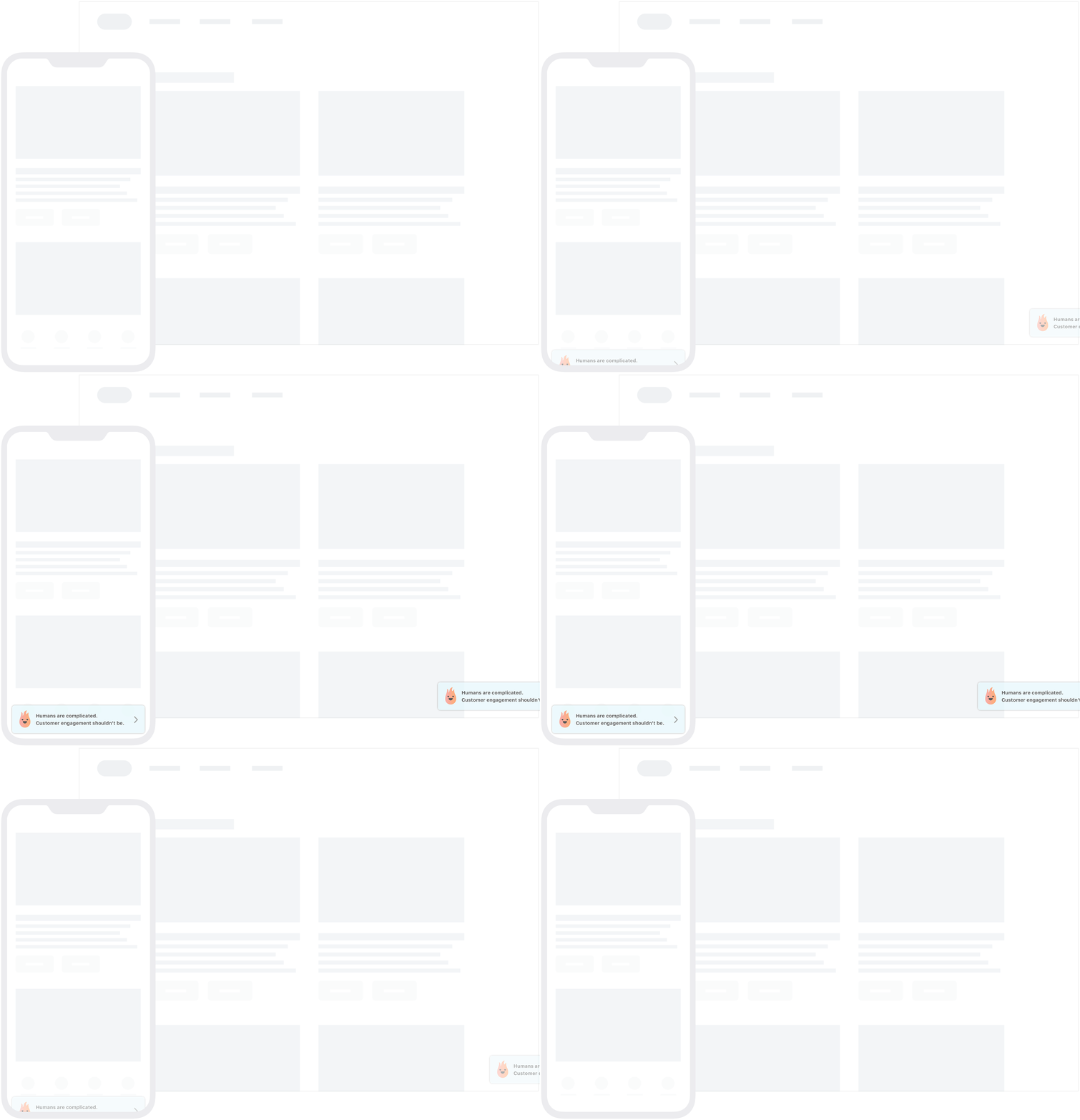
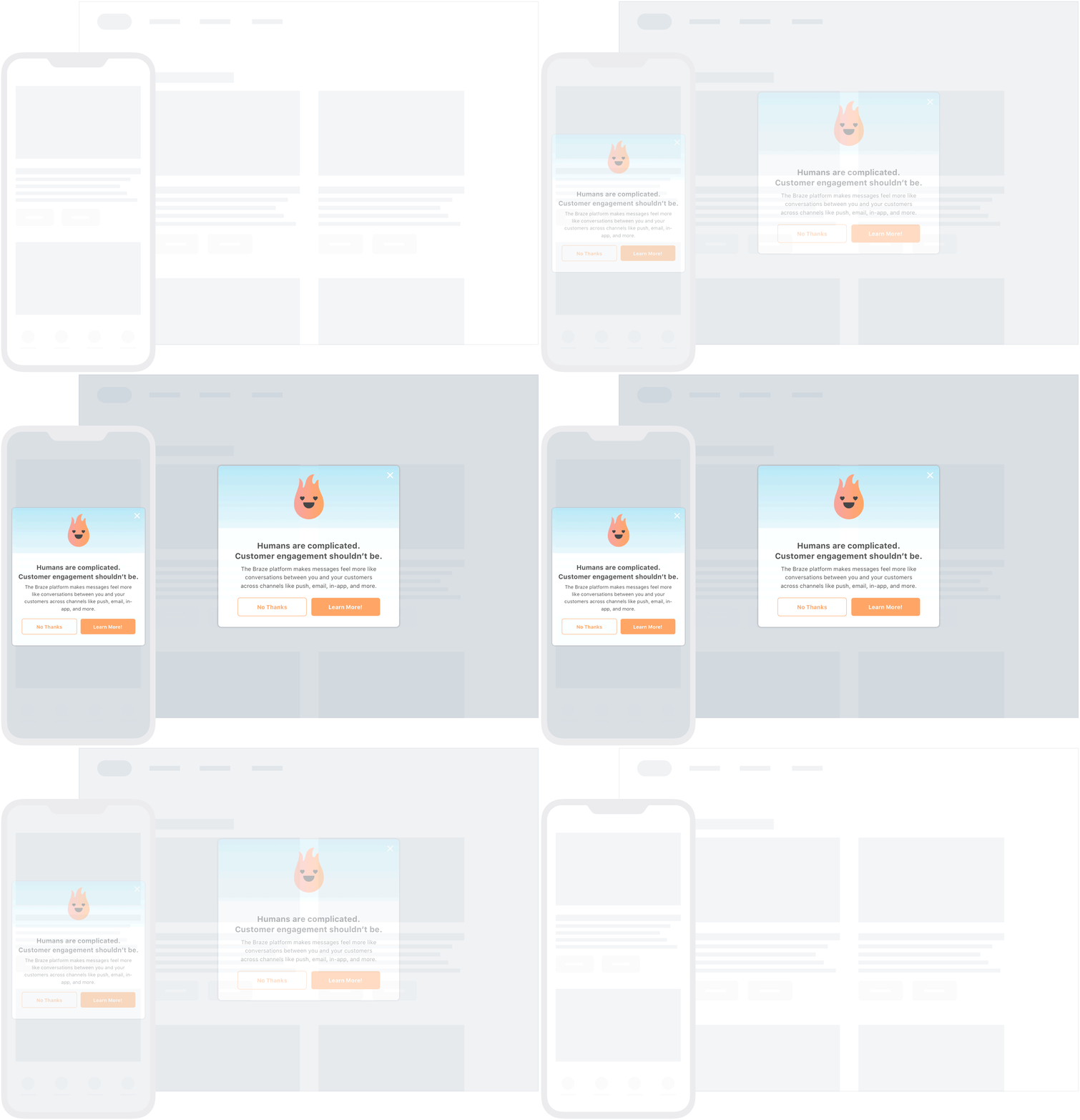
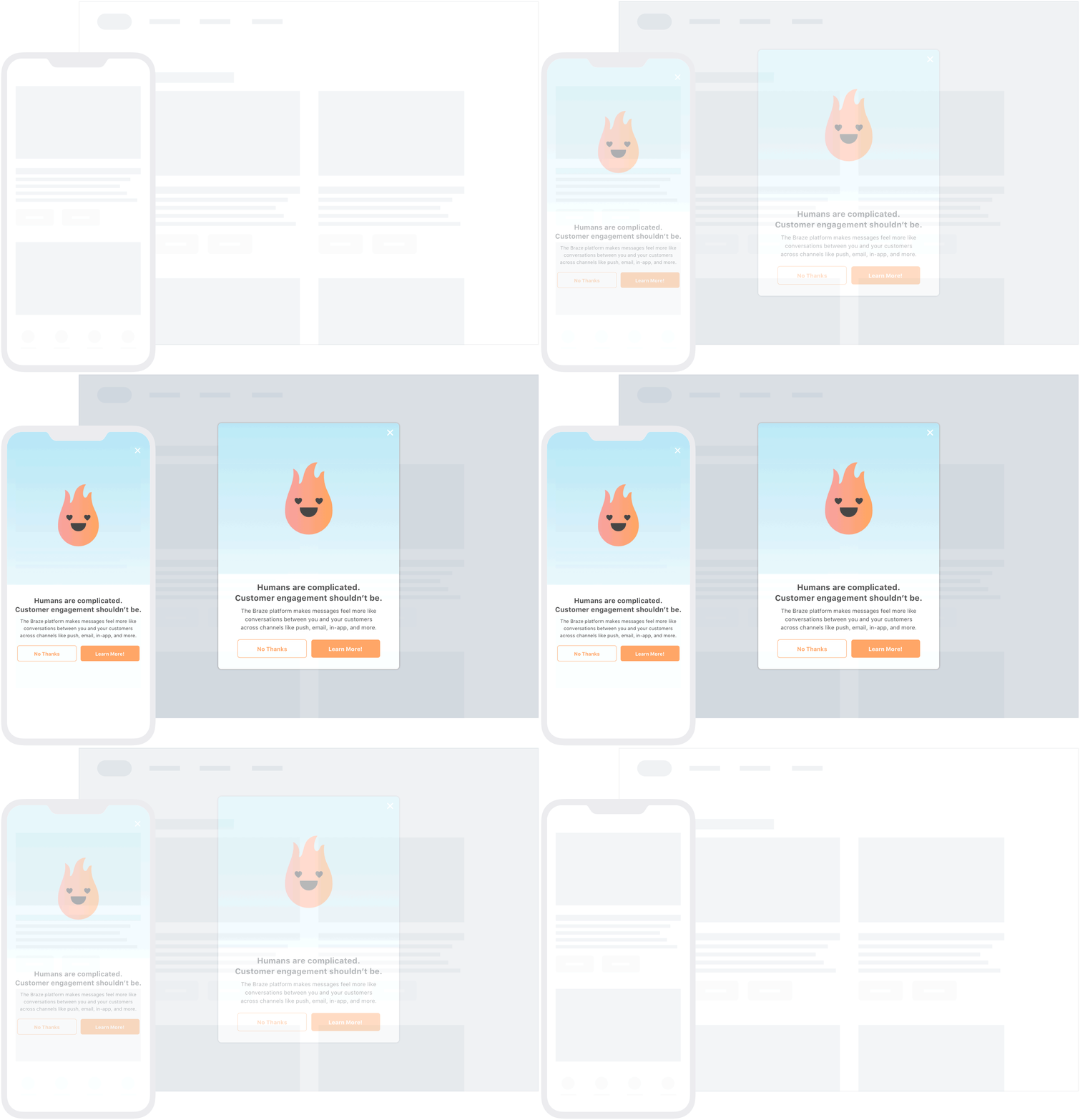
The following tabs show what it looks like for your users to open one of our standard in-app message types—slide-up, modal, and fullscreen in-app messages.
Slide-up messages typically appear at the top and bottom of the app screen (you can set this when you create your message). These are great for alerting your users about new terms of service, cookies, and other snippets of information.
Modals appear in the center of the device’s screen with a screen overlay that helps it stand out from your app in the background. These are perfect for not-so-subtly suggesting that your user take advantage of a sale or giveaway.
Fullscreen messages are exactly what you’d expect—they take up the whole screen of the device! This message type is great when you really need your user’s attention, like for mandatory app updates.
In addition to these default message templates, you can also further customize your messaging using custom HTML in-app messages, web modals with CSS, or web email capture forms. For more information, refer to Customization.
Choose an editor
For most in-app messages, use the drag-and-drop editor. It supports modal and fullscreen messages with the same core layouts as the traditional editor, plus rows, Content Blocks, templates, multi-page flows, and ongoing feature updates.
Use the traditional editor when you need slideup messages or custom HTML.
For how templated delivery at display time affects abort logging, see In-App Message FAQ.

Content Cards, in-app messages, Banners, and feature flags rely on device connectivity to sync with Braze servers. Because network conditions can vary, there is a chance that content or updates may not sync, display, or be cleared immediately (for example, if a user is offline). We recommend avoiding these channels for critical, time-sensitive updates.