Media library
The media library allows you to manage your assets in a single, centralized location.
Media library versus CDN
Using the media library instead of a Content Delivery Network (CDN) provides better caching and performance for in-app messages. All media library assets found in an in-app message will be pre-cached for faster display and will be available for offline display. Additionally, the media library is integrated with Braze composers, allowing marketers to select or tag images instead of copying and pasting image URLs.
Accessing the media library
Within the media library, you can see the asset type, size, dimensions, URL, the date it was added to the library, and other information. To access your Braze media library, go to Templates > Media Library. Here, you can:
- Upload multiple images at one time
- Upload Virtual Contact Files (.vcf)
- Upload video files for use in WhatsApp messages
- Upload a folder with your images (up to 50 images)
- Generate an image using AI and store it in the media library
- Crop an existing image to create the right ratio for your messages
- Add tags or teams to help further organize your images
- Search by tags or teams in the media library grid
- Drag and drop images or folders to be uploaded
- Delete images
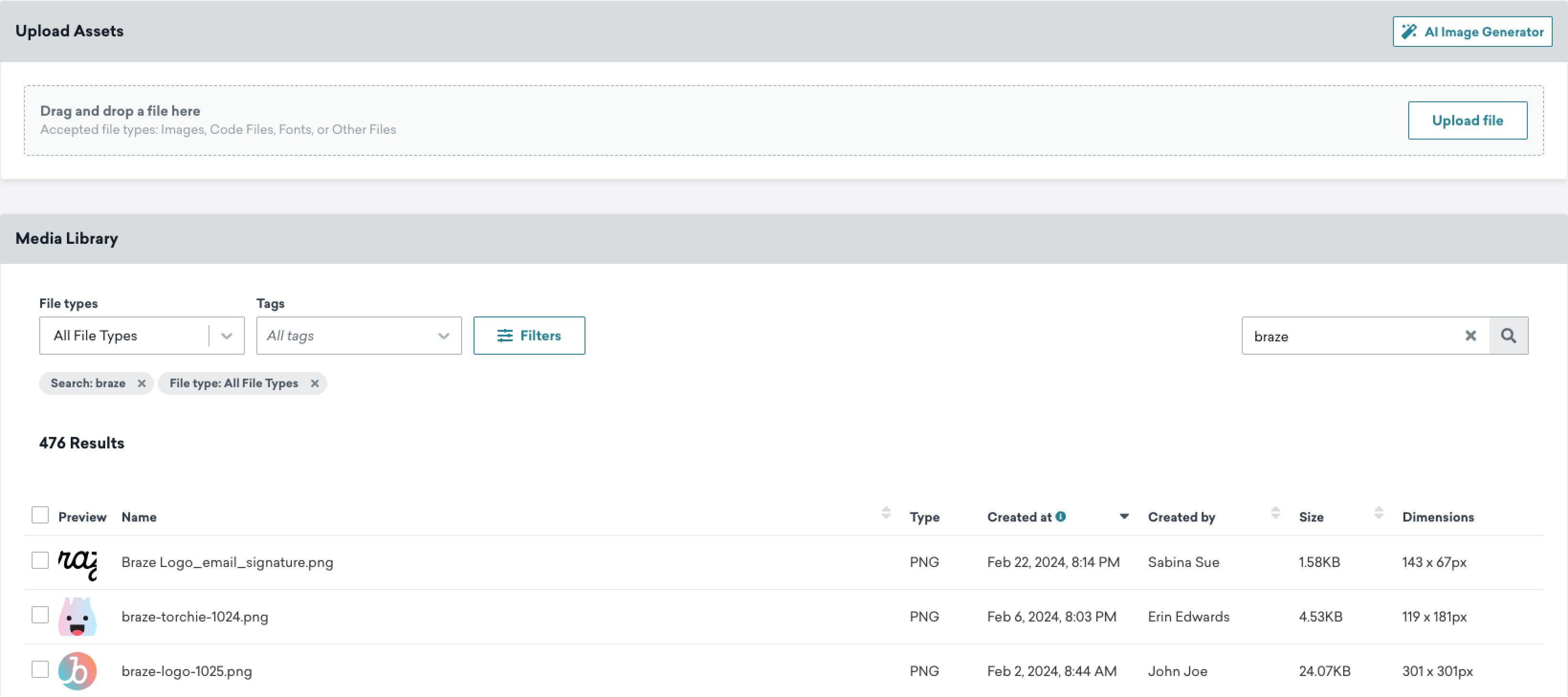
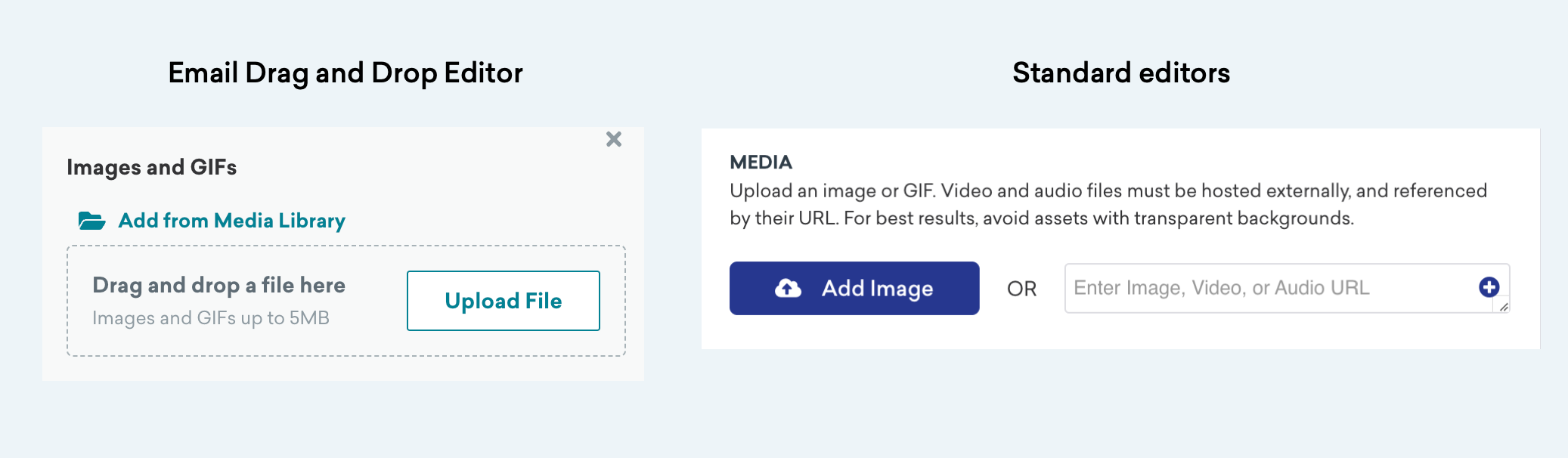
Later, when drafting a message in Braze, you can pull in your images from the media library.
For more help with the media library, check out our Media library FAQ.
Image specifications
All images uploaded to the media library must be less than 5 MB. Supported file types are PNG, JPEG, GIF, SVG, and WebP. For recommended image sizes and specifications by messaging channel, refer to Image specifications.
GIFs with very elongated shapes (for example, 3000 x 2 pixels) or 300 or more frames may fail to upload, even if the total file size is small.
Generating images with BrazeAITM
You can generate images for your own media library using DALL·E 3, an AI system from OpenAI and a Braze third-party provider. This let’s you create realistic images and art from a description in natural language. Each request generates four variations of your prompt, and your company can generate images 10 times per day. This total applies to all users in your company.
Before using this feature, review how your data is used and sent to OpenAI.
 Edit this page on GitHub