Is It Still an In-App Message If You Get It on a TV?: Understanding IAMs Across Platforms
Published on November 26, 2024/Last edited on August 01, 2026/6 min read
Team Braze
Contents
An in-app message (IAM) is a message that appears inside your app or website while someone is actively using it, no opt-in required. IAMs now extend well beyond smartphones, to websites, smart TVs, and AR/VR devices, and this guide covers how to adapt them for each platform.
What kinds of devices come to mind when you think of sending in-app messages (IAMs)? More likely than not, smartphones top the list. But that’s only the beginning. This versatile messaging channel is instrumental in onboarding new users, guiding them through an app, and encouraging longer and repeat sessions—and it can do all that across a range of different devices and platforms.
The Different Places You Can Use In-App Messages
In-app messages support your brand’s customer engagement efforts on your company’s app and website, as well as on connected devices and virtual reality (VR), augmented reality (AR), and spatial computing technologies.
Smartphones and Tablets
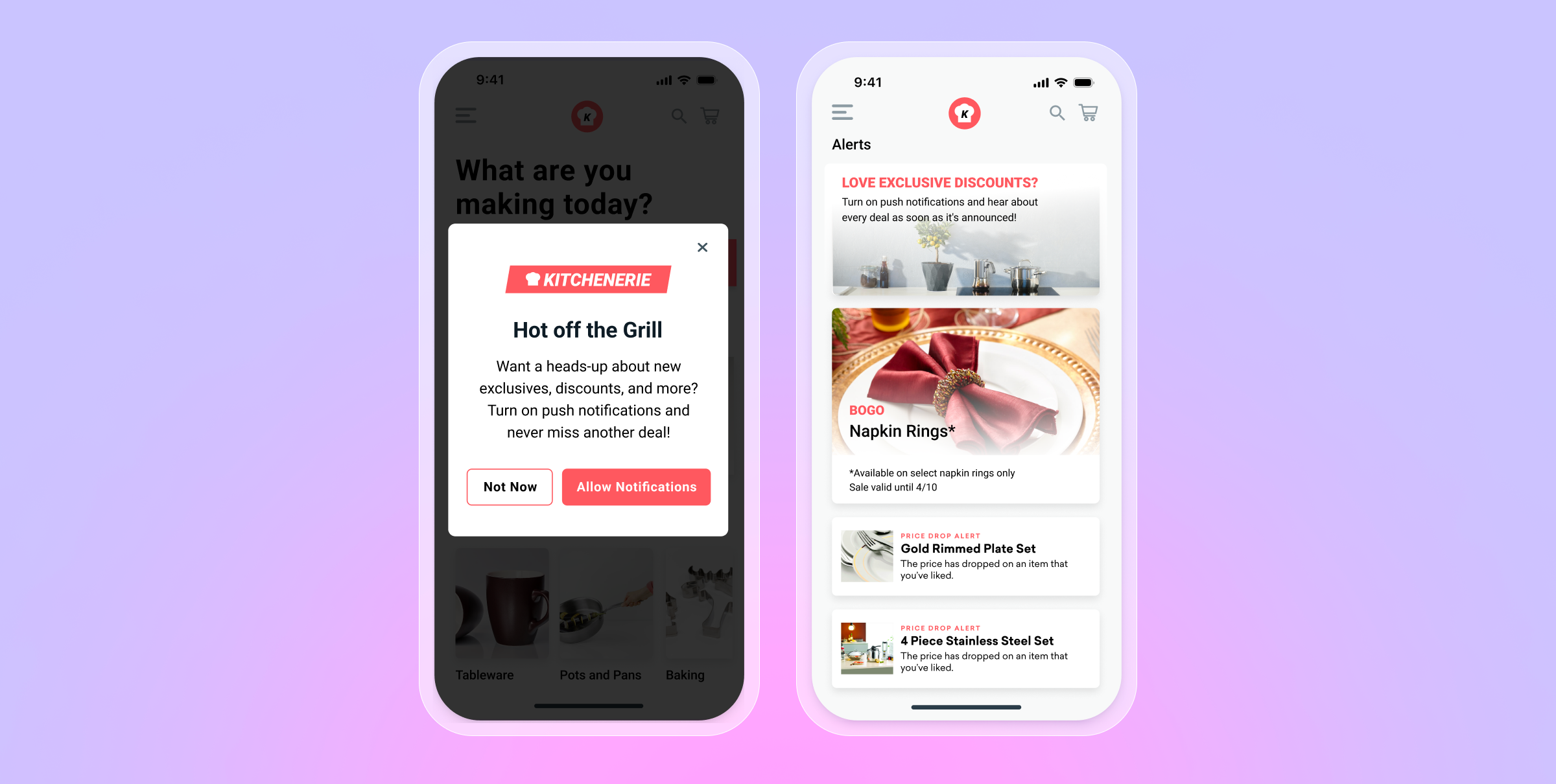
As the name suggests, in-app messages are notifications that can be delivered when users have a mobile or tablet app open. They appear on the screen of a given app, either taking up the full screen or part of it, and are designed to engage customers when they’re actively using the app. One example use case? Using a mobile IAM as a push primer.
Websites
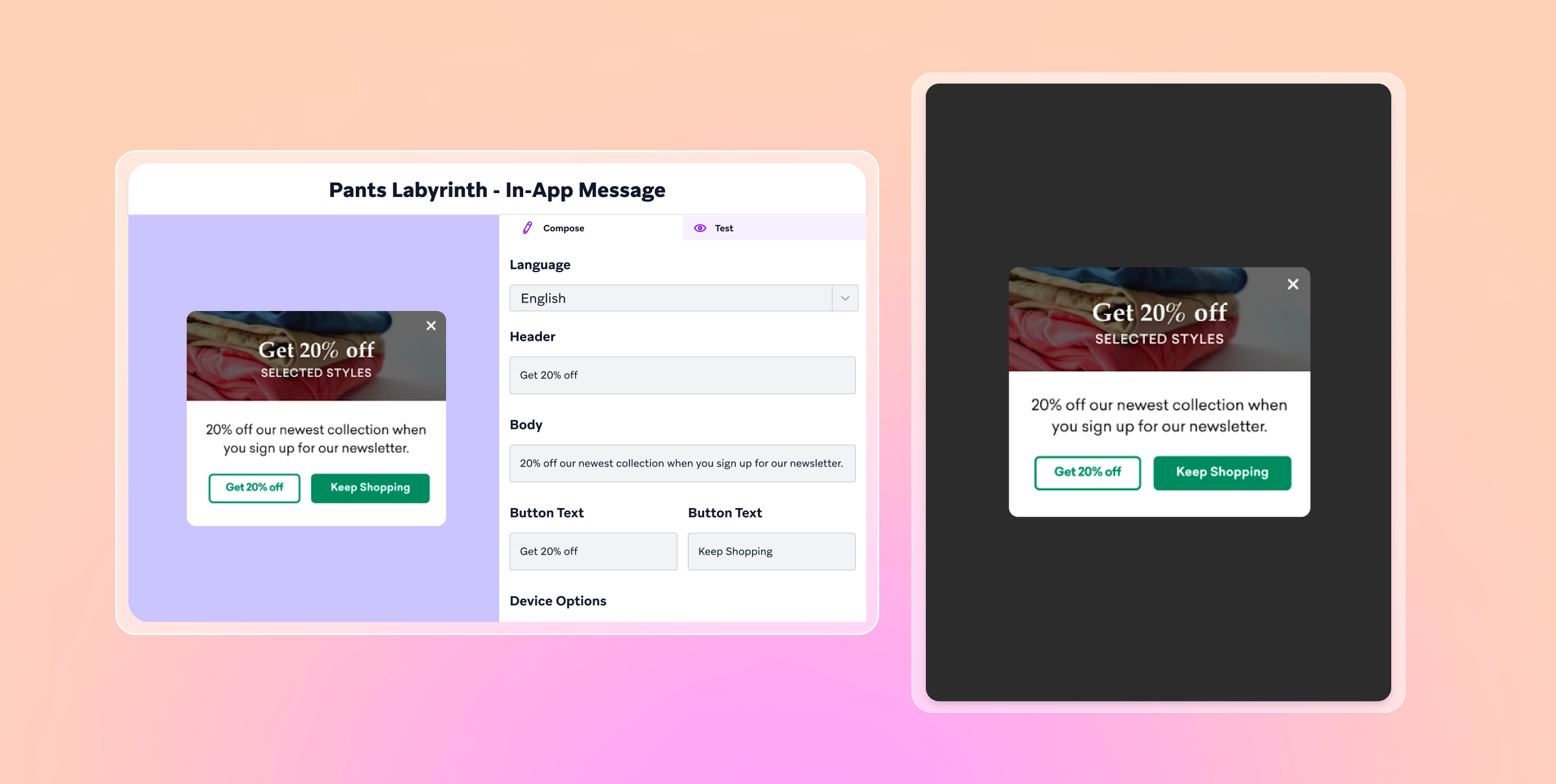
The web version of in-app messages—known as in-browser messages—are notifications that reach people when they’re actively browsing a website on mobile or desktop. Just like mobile and tablet in-app messages, this channel is known for its flexibility, making it easy to fit the medium to the message. In-browser messages have a variety of use cases, and are a great way to capture users’ email addresses to support a cross-channel customer engagement approach.
Smart TVs and OTT Devices
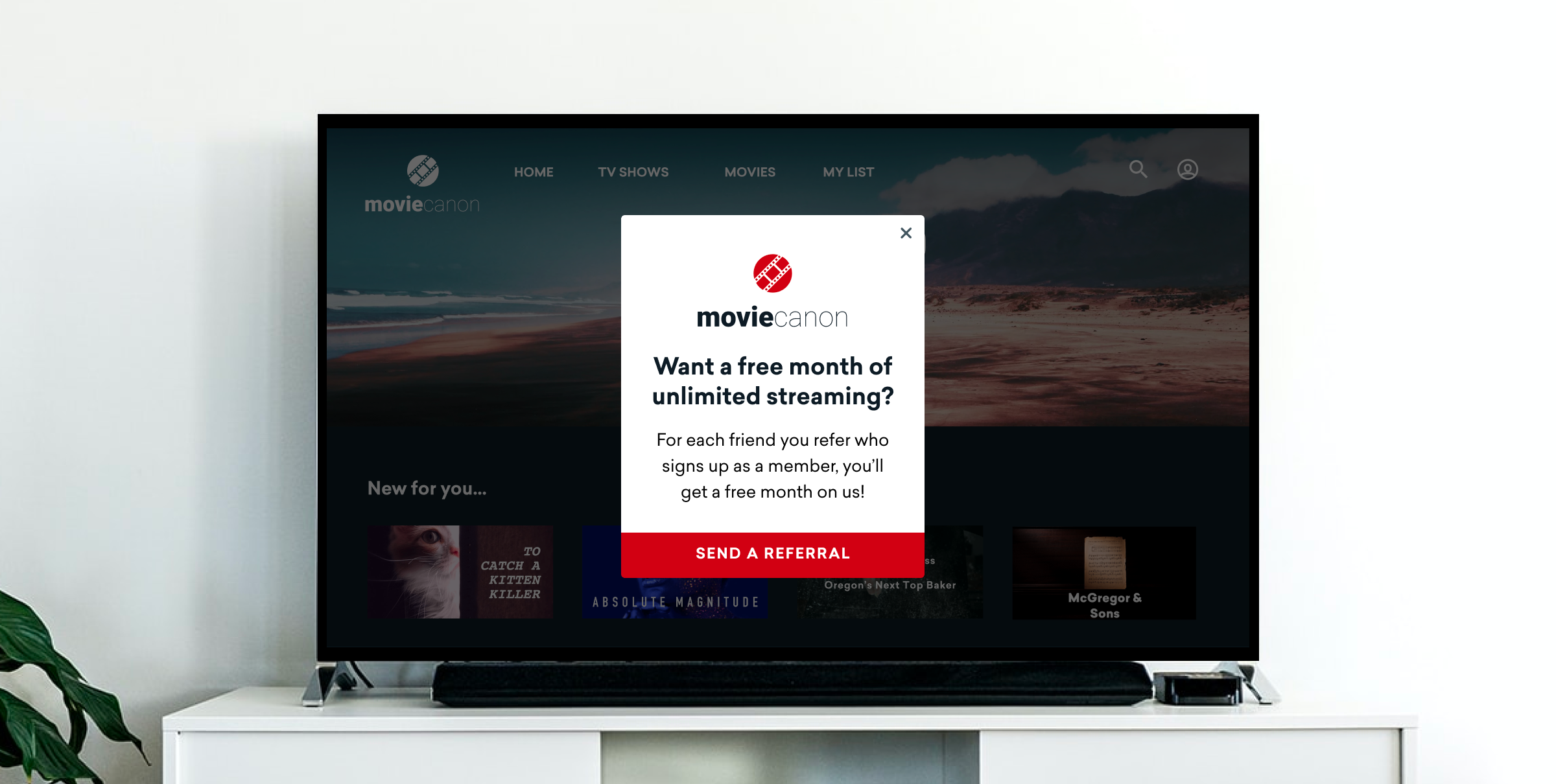
In-app messaging extends to smart TVs and over-the-top (OTT) devices like Roku, Amazon Fire TV, Android TV, LG TV, Samsung Tizen TV, and Apple TV. Thanks to TV and OTT integrations available with customer engagement platforms like Braze, it’s possible to collect information about OTT and connected TV users, including engagement data related to their content preferences, when they’re most likely to stream shows, and which devices they use. From there, brands can leverage these insights to create rich, personalized OTT and smart TV in-app messages that display on screen when customers are logged into a TV subscription service. OTT in-app messages are a great way to let viewers know, for instance, that their favorite show has a new season ready to stream.
AR, VR, and Spatial Computing Messages
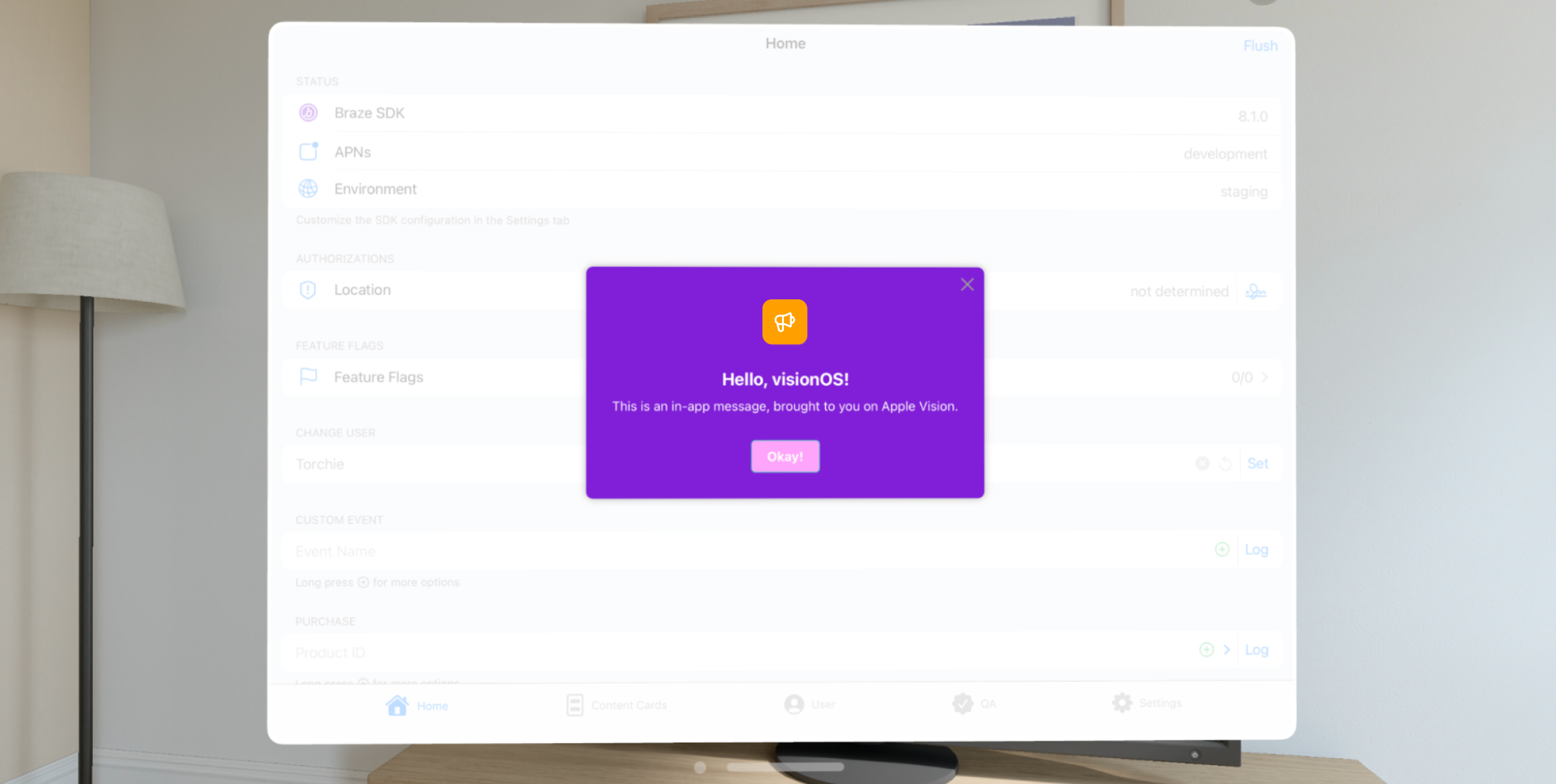
This frontier of in-app messaging includes virtual reality (VR) and augmented reality (AR) technologies and the debut of spatial computing platforms like Apple’s 3D camera Vision Pro and companion operating system visionOS. The Braze customer engagement platform’s Swift iOS SDK makes it possible for brands to engage audiences with in-app messages while they’re directly using an Apple Vision Pro device. One suggested use case: Use in-app messages here to onboard new users to help them understand how to use the AR/VR app.
Braze also offers support for other popular channels like push notifications and Content Cards to strengthen relationships with customers in the spatial computing realm.
How to Customize IAMs by Platform: Design, Timing, Context
Considering using in-app messages to reach and engage your customers across different platforms and devices? Just because an in-app campaign you’ve designed for your mobile app could also work for your connected TV app, doesn’t mean you should use the same exact format, content, and campaign parameters (such as scheduling time or type, segmentation criteria, etc.). To achieve the best results, it’s important to create the best experience, tailored to the given platform. Here are three key considerations to help your team customize your in-app messages for each platform.
1. Design
Regardless of the platform being used, IAMs should mirror the look and feel of your overall app or website presence and tie in consistent branding elements, such as your company’s standard colors and fonts.
You’ll also want to choose an in-app messaging format that best aligns with your campaign goals. For instance, full-screen messages that take over the entire screen of a device should be reserved for high-priority messages while other formats that are less intrusive, like slide-ups, are better suited for less urgent outreach.
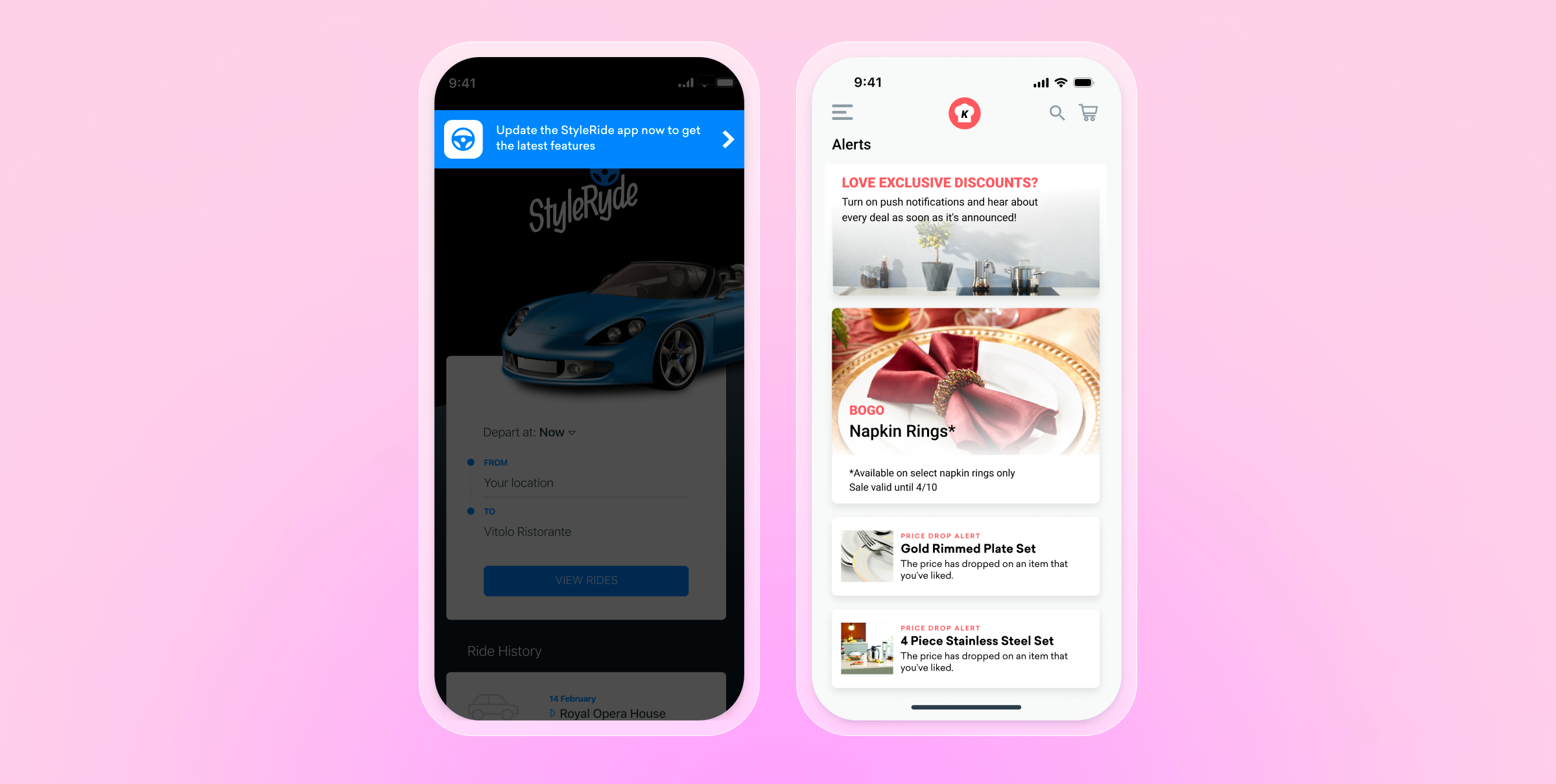
As your brand adds more screen sizes in the mix, be sure to avoid a one-size-fits-all approach to design. Consider how customers interact with different devices, and let that guide the user experience. For instance, when a user views a given message will they be holding their smartphone up close or sitting on a couch across the room from their smart TV screen? Preview and test your campaigns to determine the right amount of copy and visual elements to include for each format.
2. Timing
In general, only urgent messages—such as system updates or notices about password changes—should be displayed when customers first open your app or website. Otherwise, the best-timed in-app messages are personalized and responsive at the device level.
For instance, if a given user typically logs into a company’s app in the mornings, the company’s website during the day, and the company’s connected device app at night, then brands can use this behavioral data to send IAMs at the right time for each user when they’re most likely to engage with a given platform.
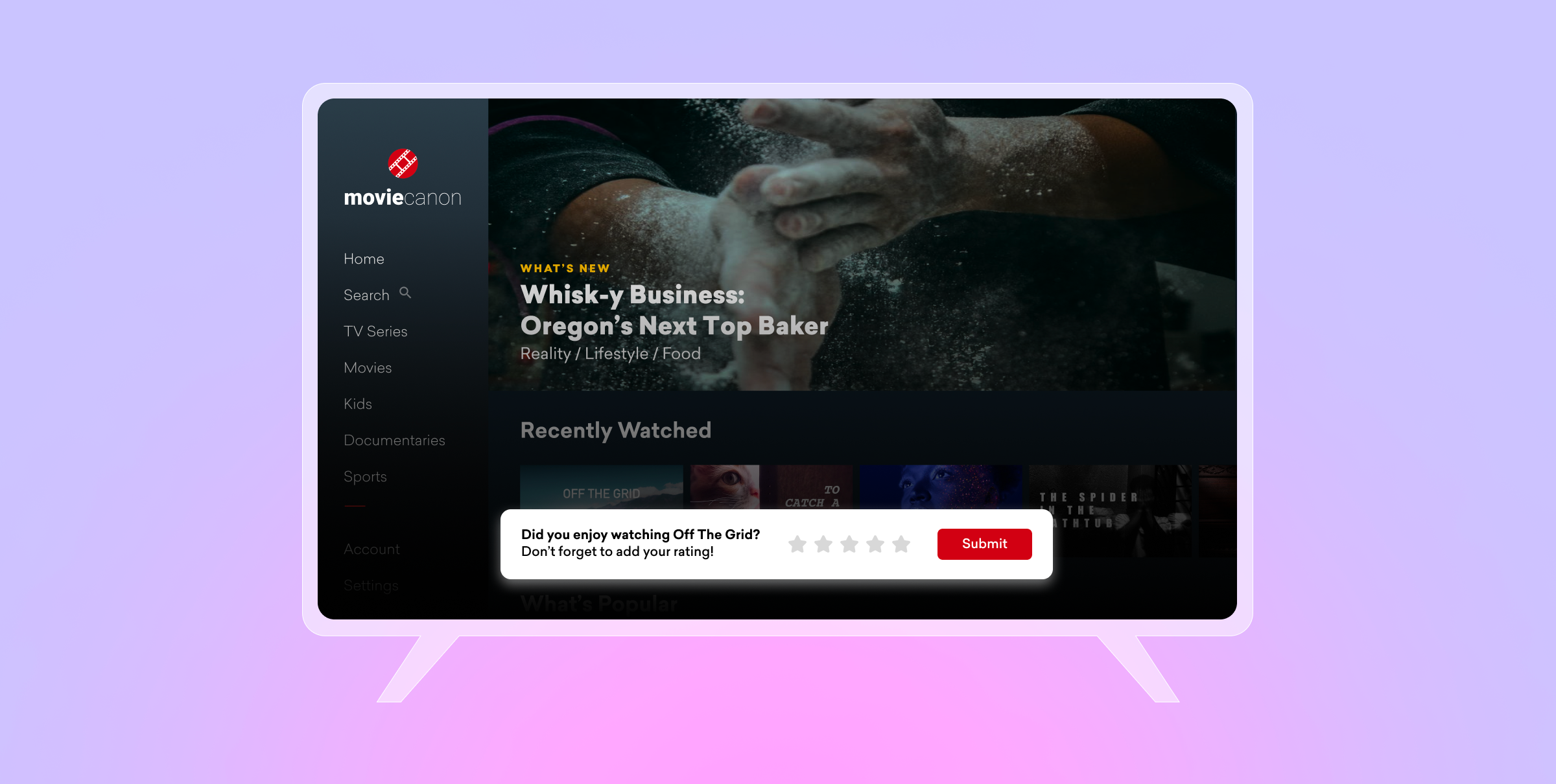
Brands can also trigger campaigns after users carry out a given action, such as an IAM encouraging customers to rate a show after they finish viewing an entire season or a campaign that offers a reward to customers as soon as they join the loyalty program.
3. Context
To provide more relevant and meaningful experiences, it's important for a cross-channel messaging strategy to encompass the entire customer journey. For instance, if your brand typically uses push notifications, email marketing, and in-app messaging to connect with customers, you wouldn’t want to overwhelm users by sending the same exact campaigns at the same time across all channels. Similarly, you wouldn’t want to send conflicting messages across channels, either.
The same goes for a cross-channel IAM campaign. For instance, if you’ve prompted your users to share their notification preferences or overall satisfaction using an in-app survey on one device, do you really want to burden them with the same request on a different device? Or, if you want to encourage milestones, such as daily workout sessions, are you able to track streaks that take place across sessions logged via your brand’s connected TV, tablet, and smartphone apps combined?
As with all cross-channel strategies, adding more channels to the mix will require being thoughtful about the best channels to reach given customers on, at the best times, with the most appropriate outreach.
In-app message marketing FAQs
What is an in-app message?
An in-app message (IAM) is a message that appears inside your app or website while someone is actively using it, and it requires no opt-in. Unlike channels that reach people outside the product, an IAM only shows up when someone's already engaged and looking at the screen.
What's the difference between an in-app message vs. a push notification?
The distinction it implies comes down to when and where each reaches a user:
- Push notification — arrives whether or not someone is using the app, showing up on the lock screen or notification center. It requires explicit opt-in (a user has to grant notification permissions), and its job is to pull someone back into the app.
- In-app message — only appears while someone is actively using the app or website, and needs no opt-in since it's not a system-level notification — it's just part of the in-session experience. Its job is to guide or engage someone who's already there.
Which platforms support IAMs?
IAMs now extend across four main platform categories:
- Smartphones and tablets — notifications delivered when users have a mobile or tablet app open, appearing full-screen or as part of the screen.
- Websites — the web version, known as in-browser messages, reaches people while they're actively browsing a site on mobile or desktop, and is a great way to capture email addresses to support a cross-channel approach.
- Smart TVs and OTT devices — including Roku, Amazon Fire TV, Android TV, LG TV, Samsung Tizen TV, and Apple TV, where platforms like Braze can collect engagement data on content preferences and streaming habits to power personalized on-screen messages.
- AR, VR, and spatial computing — including Apple Vision Pro and visionOS, where Braze's Swift iOS SDK enables in-app messaging directly within the device. Braze also extends push notifications and Content Cards into this space.
When should you use IAMs?
- On first open, but only for urgent matters. Only urgent messages, like system updates or password change notices, should be shown when someone first opens the app or site.
- At personalized, behavior-driven moments otherwise. The best-timed IAMs are personalized and responsive at the device level — for example, timing messages to when a specific user typically engages with a specific platform (mornings on mobile, daytime on web, evenings on a connected TV app).
- Right after a triggering action. Campaigns can be triggered once a user completes a specific action, like prompting a rating after someone finishes a show, or delivering a reward the moment someone joins a loyalty program.
- With awareness of the rest of the customer journey. IAMs should be sequenced against other channels so users aren't hit with the same campaign at the same time across channels, or asked for the same feedback (like a satisfaction survey) redundantly on a different device.
Related Tags
Be Absolutely Engaging.™
Sign up for regular updates from Braze.
Related Content
 Article5 min read
Message Prioritization: Make your most important messages win
October 20, 2026 Article37 min read
SMS marketing examples: Use cases for B2C brands, by industry
October 19, 2026 Article11 min read
BrazeAI Operator™ Use Cases: How Marketers Launch Campaigns, Build Segments, And QA In Minutes
October 19, 2026