Heap cohort import
Heap, a digital insights platform, focuses you on opportunities in your digital experience that most impact your business, eliminating friction, delighting your customers, and accelerating revenue.
The Braze and Heap integration enables you to import Heap data to Braze, create user cohorts, as well as export Braze data to Heap to create segments.
Prerequisites
| Requirement | Description |
|---|---|
| Heap account | A Heap account is required to take advantage of this partnership. |
| Braze Data Import key | This can be captured in the Braze dashboard from Partner Integrations > Technology Partners and then select Heap. |
| Braze REST endpoint | Your REST endpoint URL. Your endpoint will depend on the Braze URL for your instance. |
| Braze Currents | 데이터를 브레이즈에서 힙으로 내보내려면 계정에서 브레이즈 커런츠를 인에이블먼트해야 합니다. |
Use cases
- Re-engage users who have abandoned a funnel: Trigger re-engagement messaging when users abandon the purchase or subscription funnel.
- Personalize the trial experience: Identify friction points in your trial experience and send correctly timed reminders to re-engage users during a trial and help them get to value.
- Drive higher engagement on announcements and offers: Target promotions, updates, and new service announcements to the relevant audiences.
Data import integration
Use the Heap to Braze integration to automatically sync cohorts defined in Heap to Braze.
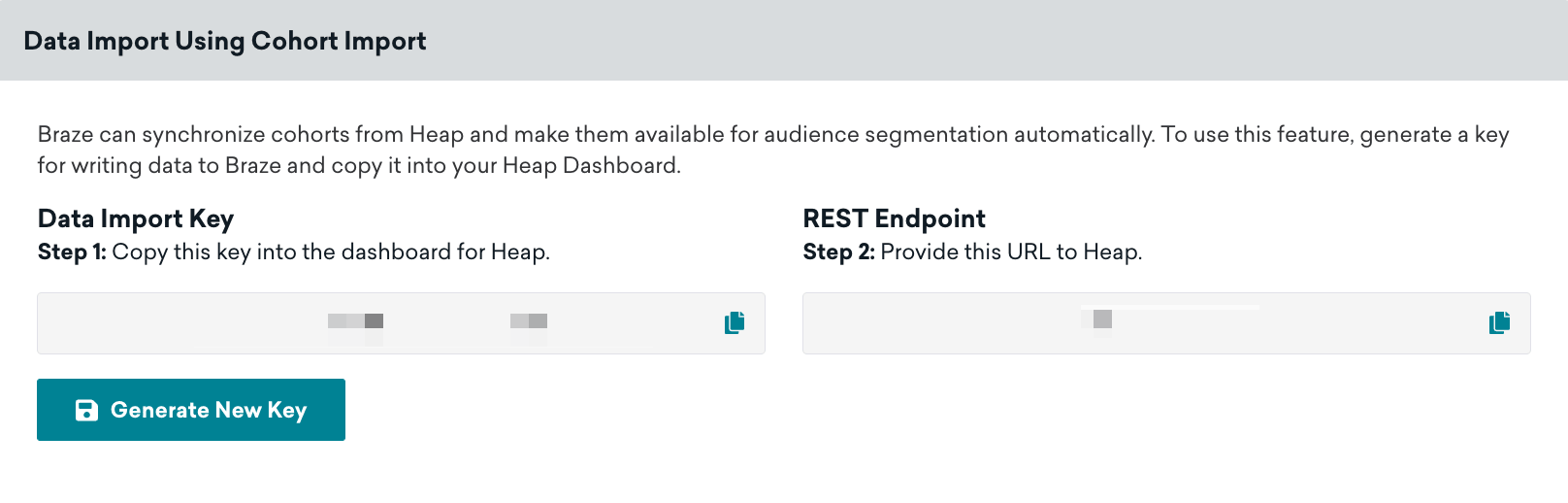
Step 1: Get the Braze data import key
In Braze, navigate to Partner Integrations > Technology Partners and then select Heap.
On this page, you can find your data import key and a REST endpoint. Take note of both of these values and provide them to your Heap account manager to finish setting up the integration.
2단계: Segment imported users in Braze
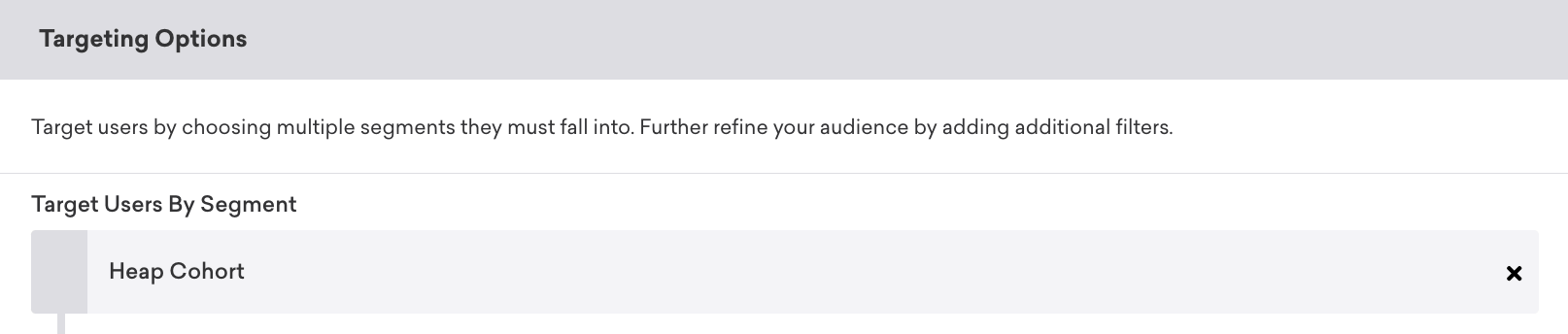
In Braze, navigate to Segments, name your Heap cohort segment, and select Heap Cohorts as your filter. From here, you can choose which Heap cohort you wish to include. 힙 코호트 세그먼트가 생성된 후에는 캠페인이나 캔버스를 만들 때 오디언스 필터로 선택할 수 있습니다.

이 통합 사용
힙 세그먼트를 사용하려면 Braze 캠페인 또는 캔버스를 생성하고 세그먼트를 타겟 오디언스로 선택합니다.
Only users who already exist within Braze will be added or removed from a cohort. Cohort Import will not create new users in Braze.
Integration details
The payload structure for exported data is the same as the payload structure for custom HTTP connectors, which can be viewed in the examples repository for custom HTTP connectors.
User Matching
Identified users can be matched by either their external_id or alias. Anonymous users can be matched by their device_id. Identified users who were originally created as anonymous users can’t be identified by their device_id, and must be identified by their external_id or alias.
 GitHub 에서 이 페이지를 편집합니다.