Email Authentication: SPF, DKIM & DMARC Guide
Published on April 03, 2019/Last edited on July 31, 2026/7 min read


Lauren Leonardi
WriterContents
Email authentication is how mailbox providers verify that a message really comes from the domain it claims to. It relies on three standards, SPF, DKIM, and DMARC, which Google and Yahoo have required for bulk senders since February 2024. Marketers do not need to implement these themselves, but they do need to confirm all three are in place.
When marketing, growth, and engagement teams talk about email, it’s often in the context of email engagement—are the marketing emails they’re sending working? What are recipients responding to and what are they giving the cold shoulder? But to even get to the point where you can send those email campaigns, there’s a bunch of boxes to check and technical hoops to jump through. IP pool setup. Figuring out subdomains. IP warming. And one of the least understood aspects of it all: Email authentication.
Not entirely sure what we mean by email authentication? It’s okay. We’ll begin at the beginning and keep this as straightforward as possible. Because although the land of email authentication is filled with acronyms and complicated terms, it all basically boils down to internet service providers (ISPs) doing their due diligence to make sure that the people behind large email sends aren’t secretly phonies-phishers-scammers.
What is email authentication and why is it necessary?
Remember the days of yore (e.g. the late 1990s) when everyone received at least one email from a Nigerian prince who’d make us rich if only we’d wire him $1,000 “discreetly and intelligently at our earliest convenience”? Scam and spam emails are more subtle and crafty these days, and email more ubiquitous. So, ISPs have made it their business (literally) to safeguard the channels of communication by making it easier to be sure that the emails you receive are actually from the people who are listed as the sender. ISPs take the job of keeping spam out of their users’ inboxes very seriously—and they tend to take something of a guilty-until-proven-innocent approach. They’re attempting to tame the Wild West of email sending and receiving so that consumers like you and I only receive email we want to receive.
Through a process of proper authentication, ISPs can ensure that scammers don’t impersonate you and wreck your hard-earned reputation! (Remember: a bad email reputation means that the emails you DO send don’t reach as many people, even if they’d be completely psyched to get them.)
Email authentication exists for your safety as well as your customers’ safety—after all, you don’t want your brand’s identity corrupted any more than your customers want to receive emails from bad actors impersonating you.
How does authentication work?
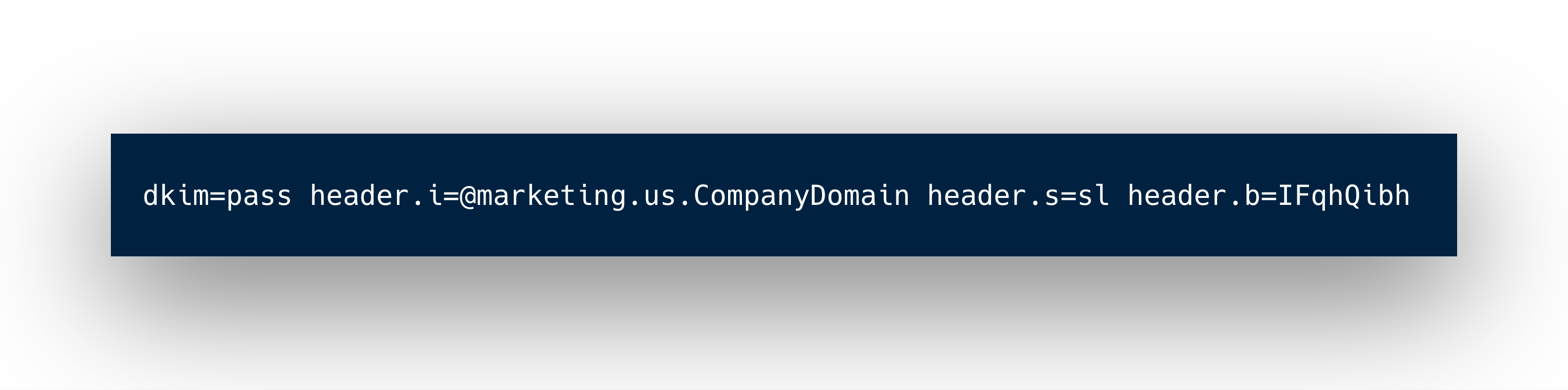
Ultimately, authentication is about ensuring that the emails people receive were actually sent by the people or companies who are listed as the sender. However, there’s a hiccup that ISPs have to deal with: the Simple Mail Transfer Protocol (SMTP), which is the basic email sending protocol that makes email possible, doesn’t include a built-in authentication process. To address this issue, additional standards designed to support effective email authentication have sprung up. The big ones?
SPF
Not to be confused with sun protection, SPF in this case refers to Sender Policy Framework. You’re the sender here, so SPF simply means you (or any other sender) get to choose what IP addresses are allowed to send from a specific domain.
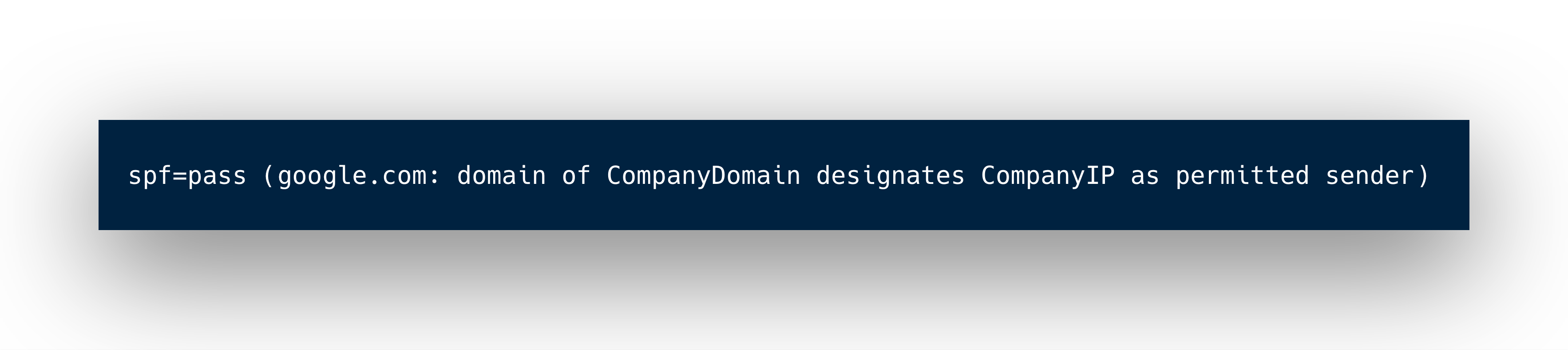
How does that help with authentication? Well, SPF makes it possible to suss out possible scammers by allowing mailbox providers to compare the IP address associated with an email against a list of authorized sending IP addresses that are published in the domain name system (DNS) records for the sender’s domain.
DKIM
The acronym stands for Domain Keys Identified Mail. DKIM provides an encryption key and digital signature with each message to make sure nothing was falsified in the creation or sending of an email. This process ensures that your emails arrive whole, with their full integrity, in the correct users’ inboxes, uninterrupted by cybercriminals.
DMARC
While both SPF and DKIM provide important safeguards, DMARC plays a key role by serving as a unifier that brings the benefits of both those standards together. DMARC stands for (ready?) Domain-based Message Authentication, Reporting, and Conformance.
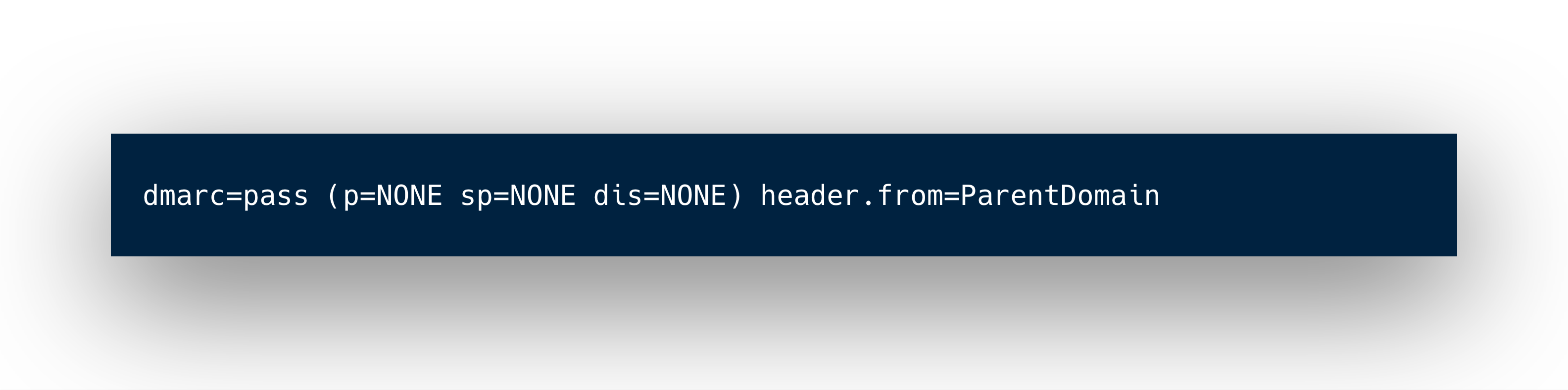
DMARC can be thought of as a communication stream or feedback loop between senders and mailbox providers. A mailbox provider will give a report to senders of what they are seeing, and senders give mailbox providers specific instructions on how to handle the message if it does not meet the required criteria (nothing, quarantine, reject). This combined process makes it more difficult for scammers to impersonate you. Plus, it empowers senders to have additional control post-send.
A bonus for getting DMARC right: BIMI
Once you have DMARC enforced at a policy of quarantine or reject, you unlock BIMI — Brand Indicators for Message Identification. BIMI lets you display your verified logo next to your emails in supporting inboxes (Gmail, Yahoo, and others), giving recipients a visual trust signal before they even open the message. It's not required by Google or Yahoo's bulk sender rules, but it's the clearest incentive for going beyond p=none — logo display is essentially a reward for strong authentication hygiene.
What changed in 2024?
Since February 2024, Google and Yahoo have required "bulk senders"—anyone sending more than 5,000 emails a day to Gmail accounts—to go beyond the basics above.
Non-compliant bulk senders risk having mail rejected or routed to spam, and once a domain is classified as a bulk sender, that classification doesn't go away even if volume later drops. Regular (non-bulk) senders aren't entirely exempt either: Google and Yahoo now expect valid forward and reverse DNS (PTR) records for all senders, not just high-volume ones.
How much do marketing, growth, and engagement teams need to understand about email authentication?
If you work on the customer engagement side of your brand’s email program, you’re probably off the hook when it comes to knowing all of the specific ins-and-outs of how this works. That said, knowing what authentication is, how it works, and why it matters makes it easier to ensure that your email efforts aren’t being hamstrung by poor implementation in this area.
One key caveat: While both SPF and DKIM are relatively simple to set up and may be done by whatever ESP you’re using, DMARC implementation will likely require more of your team’s involvement. So if you’re going to take advantage of this standard as part of your email authentication efforts, make sure you study up here before getting to work.
When in doubt, keep it simple
All of the terms and stages of the process explained here are, in short, steps to ensure that your emails are sent from authorized servers, through legitimate means, to arrive safe and whole in your recipients’ inboxes. Good authentication bridges the gap between mailbox providers, email service providers, and marketers like you. The end goal is overall better ROI, and the path to better ROI in this case is solid deliverability and reputation. Don’t lose sleep over this process, but don’t shortchange it, either.
Want to dig deeper into sending great email and mastering deliverability? Check out “Emails on Email,” our interactive look at modern email marketing and where it’s going.
Email authentication FAQs
What is email authentication?
Email authentication is a set of technical standards that let a receiving mail server verify that an email actually comes from the domain it claims to come from, rather than being spoofed by a spammer or phisher. It works by publishing DNS records for your sending domain that mailbox providers (Gmail, Outlook, Yahoo, etc.) check automatically when your email arrives. Without it, there's no cryptographic or policy-based way for a receiving server to confirm you are who you say you are — which is exactly what spammers exploit.
What is the difference between SPF, DKIM, and DMARC?
- SPF (Sender Policy Framework) — A DNS record listing which mail servers/IP addresses are allowed to send email on behalf of your domain. The receiving server checks the sending IP against this list. It's a simple "yes/no, this server is authorized" check, but it breaks easily when email is forwarded, and it doesn't protect the actual "From" address a recipient sees.
- DKIM (DomainKeys Identified Mail) — Adds a digital signature to each outgoing email, generated with a private key and verified by the receiver using a public key published in your DNS. This proves the email's content wasn't altered in transit and that it genuinely originated from your domain. It survives forwarding better than SPF since it's tied to the message itself, not the sending IP.
- DMARC (Domain-based Message Authentication, Reporting & Conformance) — Sits on top of SPF and DKIM. It tells receiving servers what to do if a message fails SPF and/or DKIM checks (quarantine it, reject it, or do nothing), and it requires "alignment" — the domain in SPF/DKIM must match the visible "From" domain. DMARC also gives you reporting, so you get visibility into who's sending email using your domain (including potential spoofers).
Think of it this way: SPF and DKIM are two independent ways of proving legitimacy, and DMARC is the policy layer that says how strictly to enforce those checks and tells you what's happening.
Is email authentication required?
Practically, yes for anyone sending marketing or bulk email today. Gmail and Yahoo enforced bulk sender requirements starting in 2024 that made SPF and DKIM effectively mandatory for anyone sending significant volume, and require DMARC (at minimum a policy of "none") for domains sending 5,000+ messages a day to their users. Without these in place, mail is increasingly likely to be filtered to spam or rejected outright rather than reaching the inbox. It's not a universal legal requirement, but it's become a de facto requirement for deliverability at any real sending volume.
How to check if your domain is authenticated?
A few practical ways:
- Send a test email to your own Gmail account, open it, click the three-dot menu → "Show original," and check the headers for
SPF: PASS,DKIM: PASS, andDMARC: PASS. - Use a DNS lookup tool (like MXToolbox) to check for TXT records: an SPF record starts with
v=spf1, a DKIM record lives at a selector-specific subdomain (e.g.,default._domainkey.yourdomain.com), and a DMARC record lives at_dmarc.yourdomain.comand starts withv=DMARC1. - Check your ESP's dashboard — most platforms (Braze included) show authentication status for your sending domains directly in their settings, since they need these records configured to send on your behalf.
Related Tags
Be Absolutely Engaging.™
Sign up for regular updates from Braze.
Related Content
 Article5 min read
Message Prioritization: Make your most important messages win
October 20, 2026 Article37 min read
SMS marketing examples: Use cases for B2C brands, by industry
October 19, 2026 Article11 min read
BrazeAI Operator™ Use Cases: How Marketers Launch Campaigns, Build Segments, And QA In Minutes
October 19, 2026