앱보이키트 (Objective-C 소프트웨어 개발 키트라고도 함)는 더 이상 지원되지 않으며 Swift SDK. 새로운 기능, 버그 수정, 보안 업데이트 또는 기술 지원은 더 이상 제공되지 않지만 메시징 및 분석은 정상적으로 계속 작동합니다. 자세한 내용은 새로운 Braze Swift 소프트웨어 개발 키트 소개 를 참조하세요.
콘텐츠 카드 피드를 사용자 정의
ABKContentCardsTableViewController를 확장하여 모든 UI 요소와 콘텐츠 카드 동작을 커스텀하여 나만의 콘텐츠 카드 인터페이스를 만들 수 있습니다. 콘텐츠 카드 셀을 하위 클래스로 분류한 다음 프로그래밍 방식으로 사용하거나 새 클래스를 등록하는 사용자 지정 스토리보드를 도입하여 사용할 수도 있습니다. 전체 예제는 콘텐츠 카드 샘플 앱을 확인하세요.
또한 서브클래스 전략을 사용할지 아니면 완전히 커스텀 보기 컨트롤러를 사용하고 데이터 업데이트에 가입할지 고려하는 것도 중요합니다. 예를 들어 ABKContentCardsTableViewController를 서브클래스로 설정하는 경우 populateContentCards 메서드를 사용하여 카드를 필터링 및 정렬(권장)할 수 있습니다). 그러나 전체 보기 컨트롤러 사용자 지정을 사용하면 캐러셀에 표시하거나 대화형 요소를 추가하는 등 카드 동작을 더 많이 제어할 수 있지만 정렬 및 필터링 로직을 구현하려면 관찰자에 의존해야 합니다. 또한 노출 횟수, 해제 이벤트 및 클릭을 올바르게 기록하려면 각 분석 메서드를 구현해야 합니다.
UI 사용자 지정
다음 코드 스니펫은 SDK에서 제공하는 메서드를 사용하여 UI 요구 사항에 맞게 콘텐츠 카드의 스타일을 지정하고 변경하는 방법을 보여줍니다. 이러한 방법을 사용하면 사용자 지정 글꼴, 사용자 지정 색상 구성 요소, 사용자 지정 텍스트 등을 포함하여 콘텐츠 카드 UI의 모든 측면을 사용자 지정할 수 있습니다.
콘텐츠 카드 UI를 사용자 지정하는 두 가지 방법이 있습니다.
- 동적 방법: 카드별로 카드 UI 업데이트
- 정적 방법: 모든 카드의 UI 업데이트
동적 UI
콘텐츠 카드 applyCard 메서드는 카드 오브젝트를 참조하여 UI를 업데이트하는 데 사용할 키-값 페어를 전달할 수 있습니다.
1
2
3
4
5
6
7
8
9
10
11
12
13
14
- (void)applyCard:(ABKCaptionedImageContentCard *)captionedImageCard {
  [super applyCard:captionedImageCard];

  if ([card.extras objectForKey:ContentCardKeyBackgroundColorValue]) {
    NSString *backgroundColor = [card.extras objectForKey:ContentCardKeyBackgroundColor];
    if ([backgroundColor colorValue]) {
      self.rootView.backgroundColor = [backgroundColor colorValue];
    } else {
      self.rootView.backgroundColor = [UIColor lightGray];
    }
  } else {
    self.rootView.backgroundColor = [UIColor lightGray];
  }
}
1
2
3
4
5
6
7
8
9
10
override func apply(_ captionedImageCard: ABKCaptionedImageContentCard!) {
  super.apply(captionedImageCard)

  if let backgroundColor = card.extras?[ContentCardKey.backgroundColor.rawValue] as? String,
     let backgroundColorValue = backgroundColor.colorValue() {
    rootView.backgroundColor = backgroundColorValue
  } else {
    rootView.backgroundColor = .lightGray
  }
}
정적 UI
setUpUI 메서드는 모든 카드의 정적 콘텐츠 카드 구성요소에 값을 할당할 수 있습니다.
1
2
3
4
5
6
7
8
9
10
11
#import "CustomClassicContentCardCell.h"

@implementation CustomClassicContentCardCell

- (void)setUpUI {
  [super setUpUI];
  self.rootView.backgroundColor = [UIColor lightGrayColor];
  self.rootView.layer.borderColor = [UIColor purpleColor].CGColor;
  self.unviewedLineView.backgroundColor = [UIColor redColor];
  self.titleLabel.font = [UIFont italicSystemFontOfSize:20];
}
1
2
3
4
5
6
7
8
override func setUpUI() {
  super.setUpUI()

  rootView.backgroundColor = .lightGray
  rootView.layer.borderColor = UIColor.purple.cgColor
  unviewedLineViewColor = .red
  titleLabel.font = .italicSystemFont(ofSize: 20)
}
사용자 지정 인터페이스 제공
원하는 카드 유형별로 사용자 지정 클래스를 등록하여 사용자 지정 인터페이스를 제공할 수 있습니다.
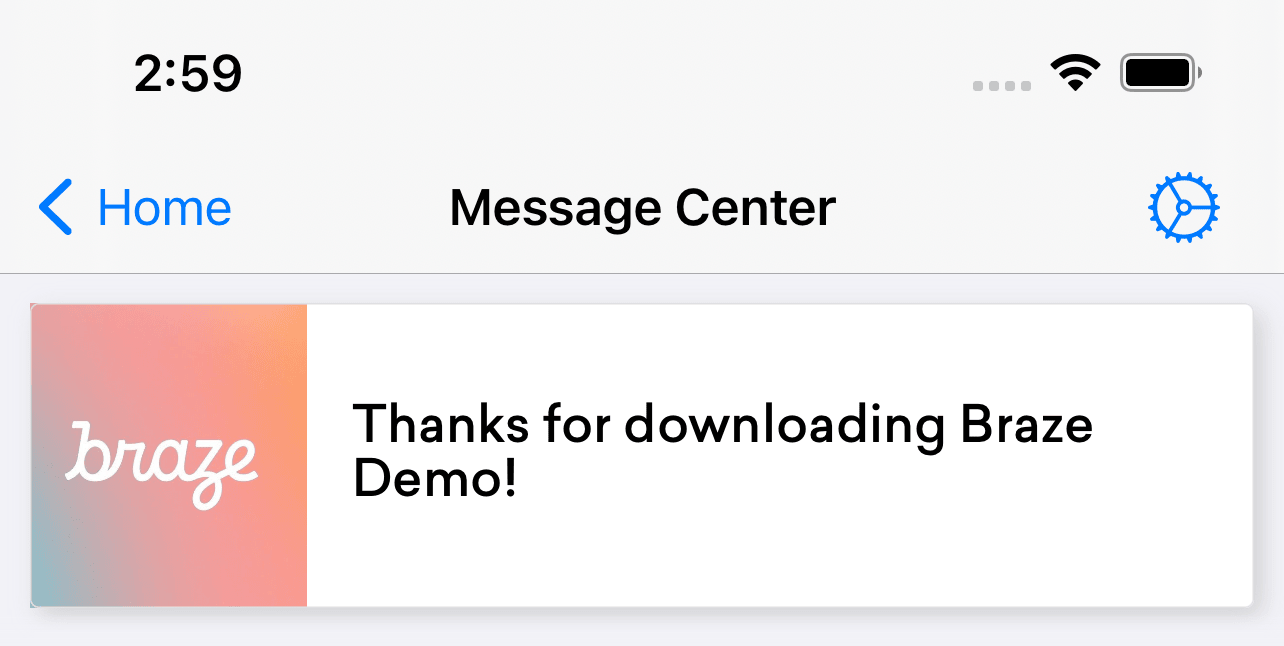
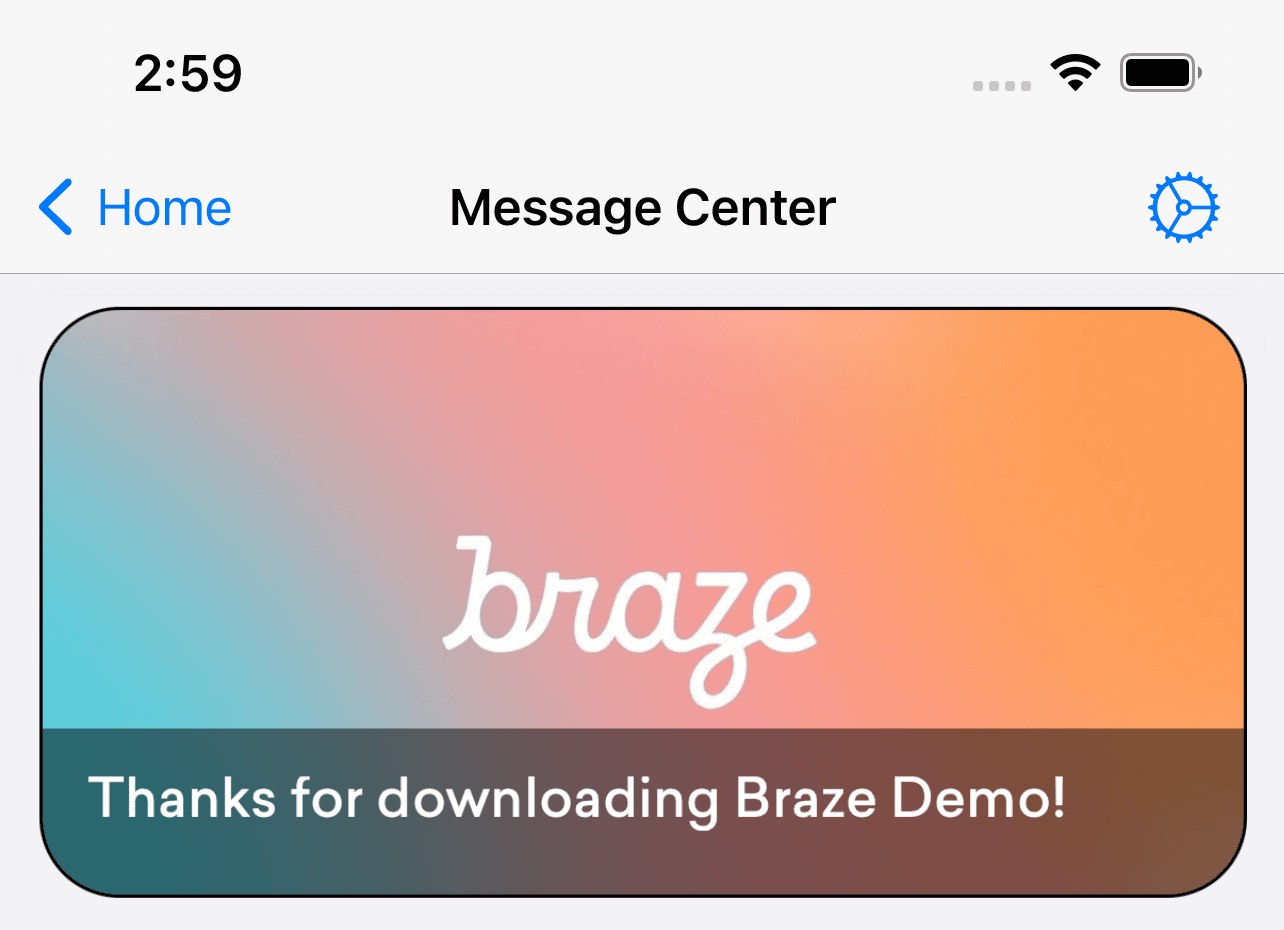
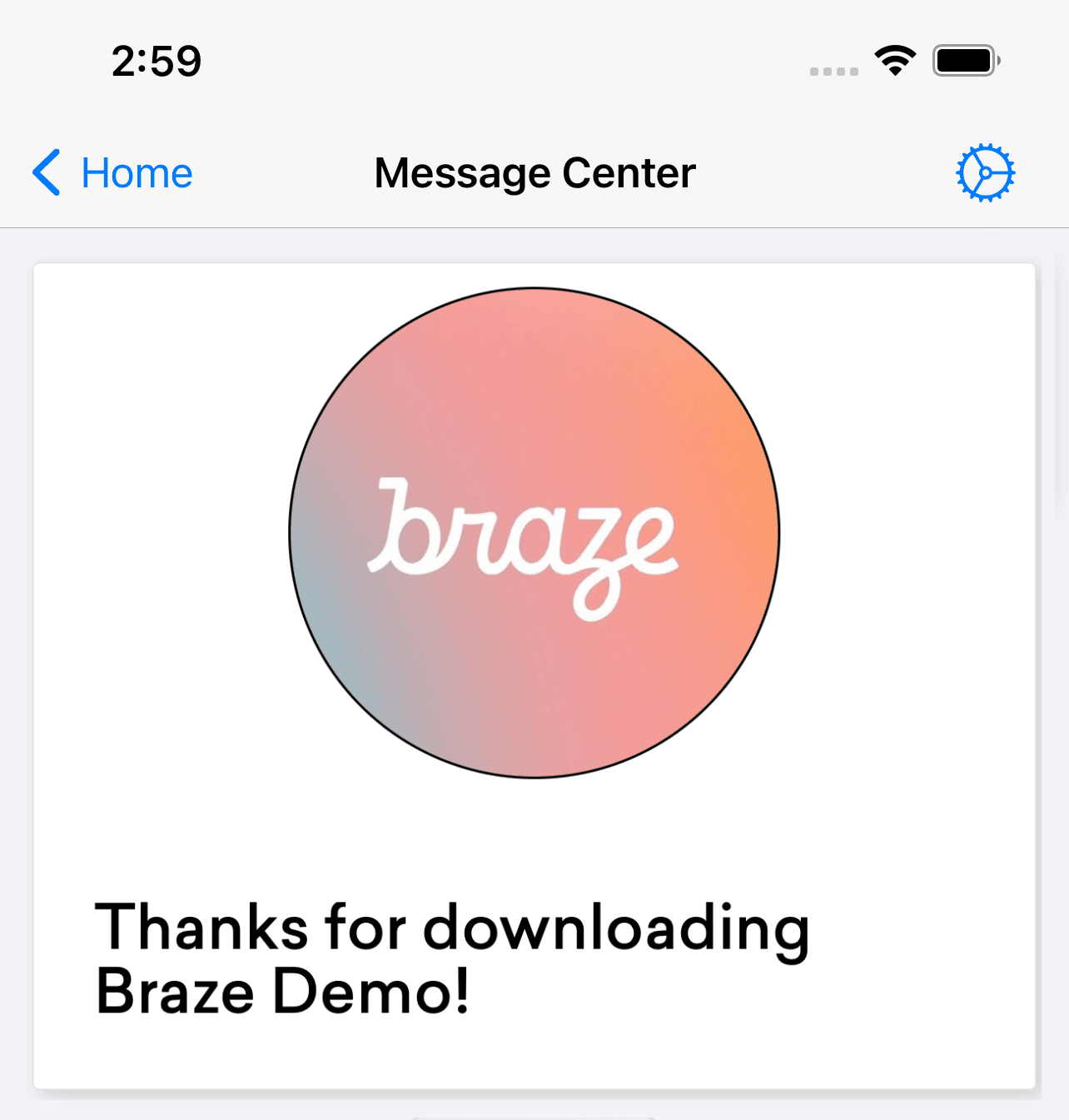
Braze는 세 가지 콘텐츠 카드 템플릿(배너, 캡션 이미지, 클래식)을 제공합니다. 또는 자체 커스텀 인터페이스를 제공하려면 다음 코드 스니펫을 참조하세요.
1
2
3
4
5
6
7
- (void)registerTableViewCellClasses {
  [super registerTableViewCellClasses];

  // Replace the default class registrations with custom classes for these two types of cards
  [self.tableView registerClass:[CustomCaptionedImageContentCardCell class] forCellReuseIdentifier:@"ABKCaptionedImageContentCardCell"];
  [self.tableView registerClass:[CustomClassicContentCardCell class] forCellReuseIdentifier:@"ABKClassicCardCell"];
}
1
2
3
4
5
6
7
8
9
override func registerTableViewCellClasses() {
  super.registerTableViewCellClasses()

  // Replace the default class registrations with custom classes
  tableView.register(CustomCaptionedImageContentCardCell.self, forCellReuseIdentifier: "ABKCaptionedImageContentCardCell")
  tableView.register(CustomBannerContentCardCell.self, forCellReuseIdentifier: "ABKBannerContentCardCell")
  tableView.register(CustomClassicImageContentCardCell.self, forCellReuseIdentifier: "ABKClassicImageCardCell")
  tableView.register(CustomClassicContentCardCell.self, forCellReuseIdentifier: "ABKClassicCardCell")
}
채워진 콘텐츠 카드 재정의
콘텐츠 카드는 populateContentCards 메서드를 사용하여 프로그래밍 방식으로 변경할 수 있습니다.
1
2
3
4
5
6
7
8
9
10
- (void)populateContentCards {
  NSMutableArray<ABKContentCard *> *cards = [NSMutableArray arrayWithArray:[Appboy.sharedInstance.contentCardsController getContentCards]];
  for (ABKContentCard *card in cards) {
    // Replaces the card description for all Classic Content Cards
    if ([card isKindOfClass:[ABKClassicContentCard class]]) {
      ((ABKClassicContentCard *)card).cardDescription = @"Custom Feed Override title [classic cards only]!";
    }
  }
  super.cards = cards;
}
1
2
3
4
5
6
7
8
9
10
override func populateContentCards() {
  guard let cards = Appboy.sharedInstance()?.contentCardsController.contentCards else { return }
  for card in cards {
    // Replaces the card description for all Classic Content Cards
    if let classicCard = card as? ABKClassicContentCard {
      classicCard.cardDescription = "Custom Feed Override title [classic cards only]!"
    }
  }
  super.cards = (cards as NSArray).mutableCopy() as? NSMutableArray
}
 GitHub 에서 이 페이지를 편집합니다.