LILT
LILT is the complete AI solution for enterprise translation and content creation. LILT enables global organizations to scale and optimize their content, product, communications, and support operations, with AI agents and fully automated workflows.
This integration is maintained by LILT.
About this integration
The LILT Braze Connector enables the translation of HTML email templates with AI speed and enterprise-grade quality. Request brand-aligned Instant Translation or quality-guaranteed Verified Translation and receive multilingual email content from LILT directly in Braze.
Use cases
The LILT Braze integration automates and accelerates the translation process, enabling global marketing teams to launch their multilingual campaigns quickly and with brand consistency.
Streamlined global campaign launch
Launch marketing campaigns across multiple regions simultaneously without delays from manual translation handoffs.
- Scenario: Your company is launching a new product across 10 countries.
- Solution: Your marketing team finalizes the English email template in Braze, tags it with
LILT: Ready, and the LILT Connector automatically pulls the content. Domain-specific linguists review the AI translation prompts in the LILT platform for quality assurance, and the Connector pushes the translated versions back into Braze. - Benefit: Reduces the time-to-market for your global campaigns from days to hours, so all customers can receive the new product announcement at the optimal time.
Instant brand-aligned localization
Use LILT’s AI for immediate, on-brand translations for time-sensitive communications.
- Scenario: You must immediately deploy emails for a flash sale, limited-time offer, or urgent service interruption in five geographic markets.
- Solution: You tag the email template with
LILT: Instant. LILT uses its AI and linguistic assets specific to your company (such as terminology and style guides) to generate a high-quality, brand-consistent translation within minutes. - Benefit: Allows for hyper-responsive, real-time communications without sacrificing brand voice or quality, which is critical for time-sensitive marketing.
Prerequisites
| Requirements | Description |
|---|---|
| A LILT account | A LILT account is required to take advantage of this partnership. |
| A Braze REST API key | A Braze REST API key with the following permissions: - templates.email.create- templates.email.update- templates.email.info- templates.email.list- templates.translations.source.get- templates.translations.update- templates.translations.get- templates.translations.all.get. Create this key in the Braze dashboard from Settings > API Keys. |
| A Braze REST endpoint | Your REST endpoint URL. Your endpoint depends on the Braze URL for your instance. |
Integration
Step 1: Configure the LILT Braze Connector
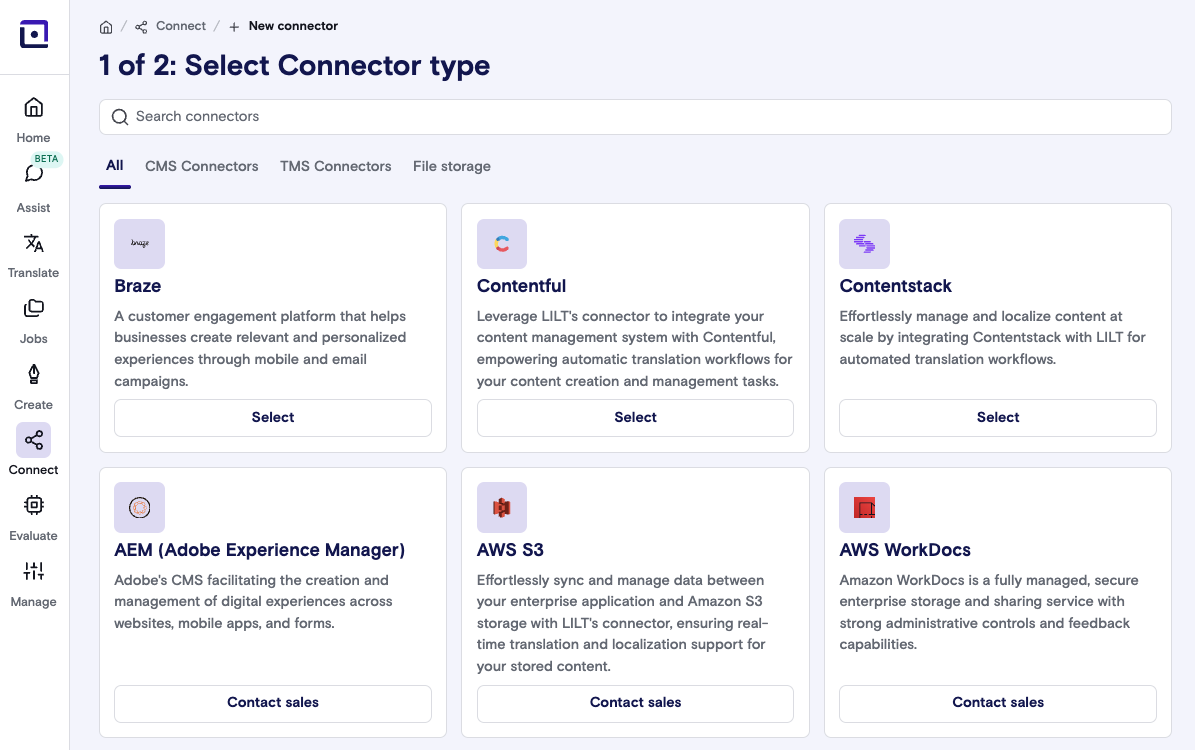
- Log into LILT, then go to Connect > New Connector > Braze.
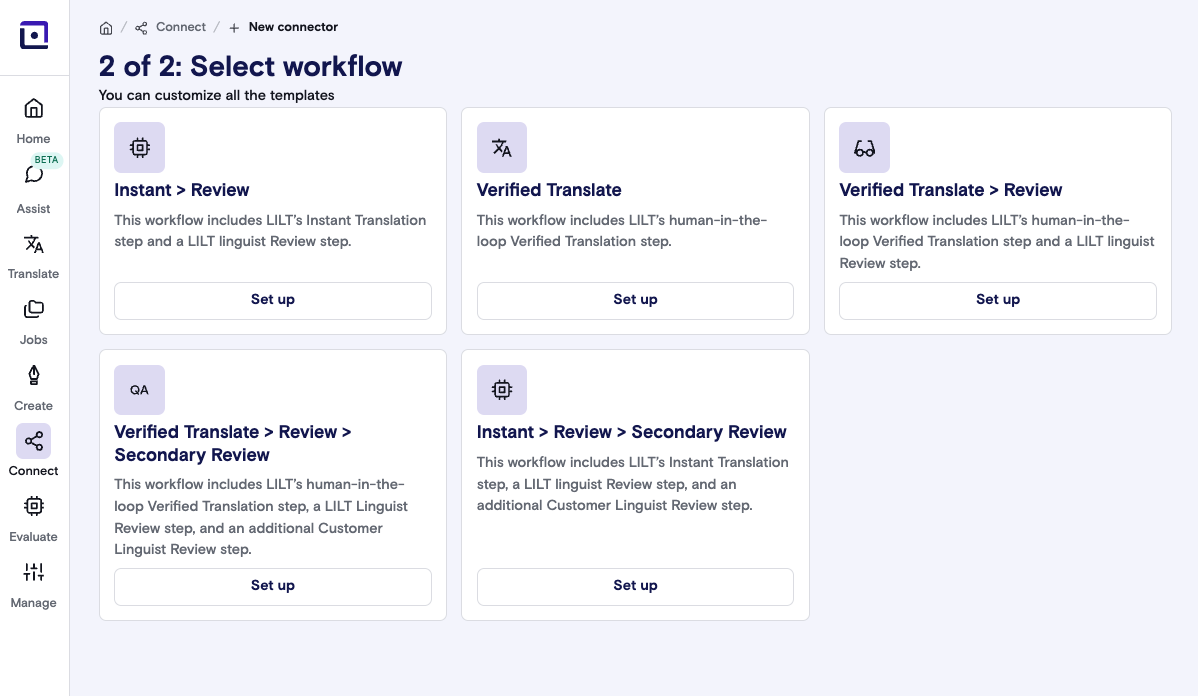
- Select the desired localization workflow for your Braze content.
- Enter and verify the necessary configuration details:
- Your Braze API Key
- Braze REST endpoint
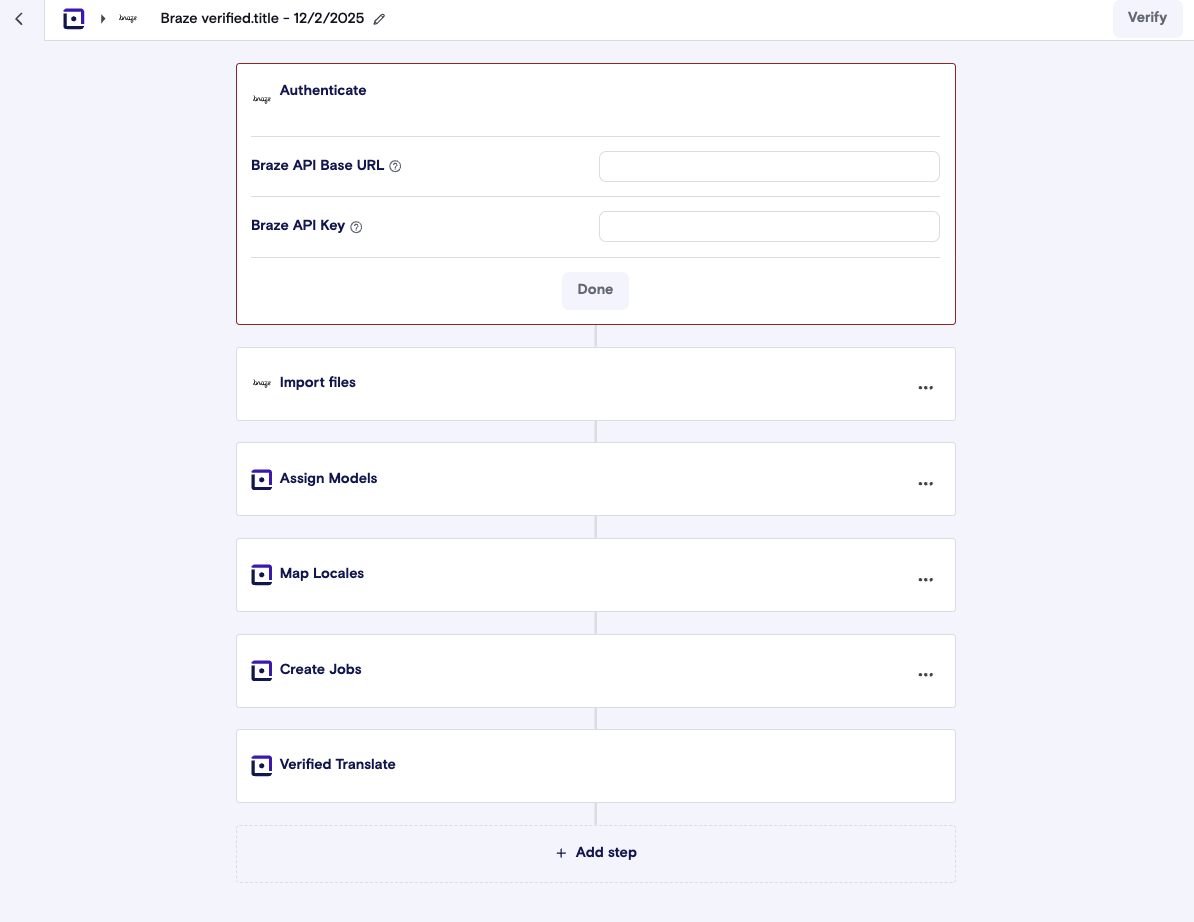
- Select Verify to test the setup. After the connection is confirmed, save the configuration.
Step 2: Prepare your Braze workspace
- Activate the multi-language capabilities within your Braze workspace settings.
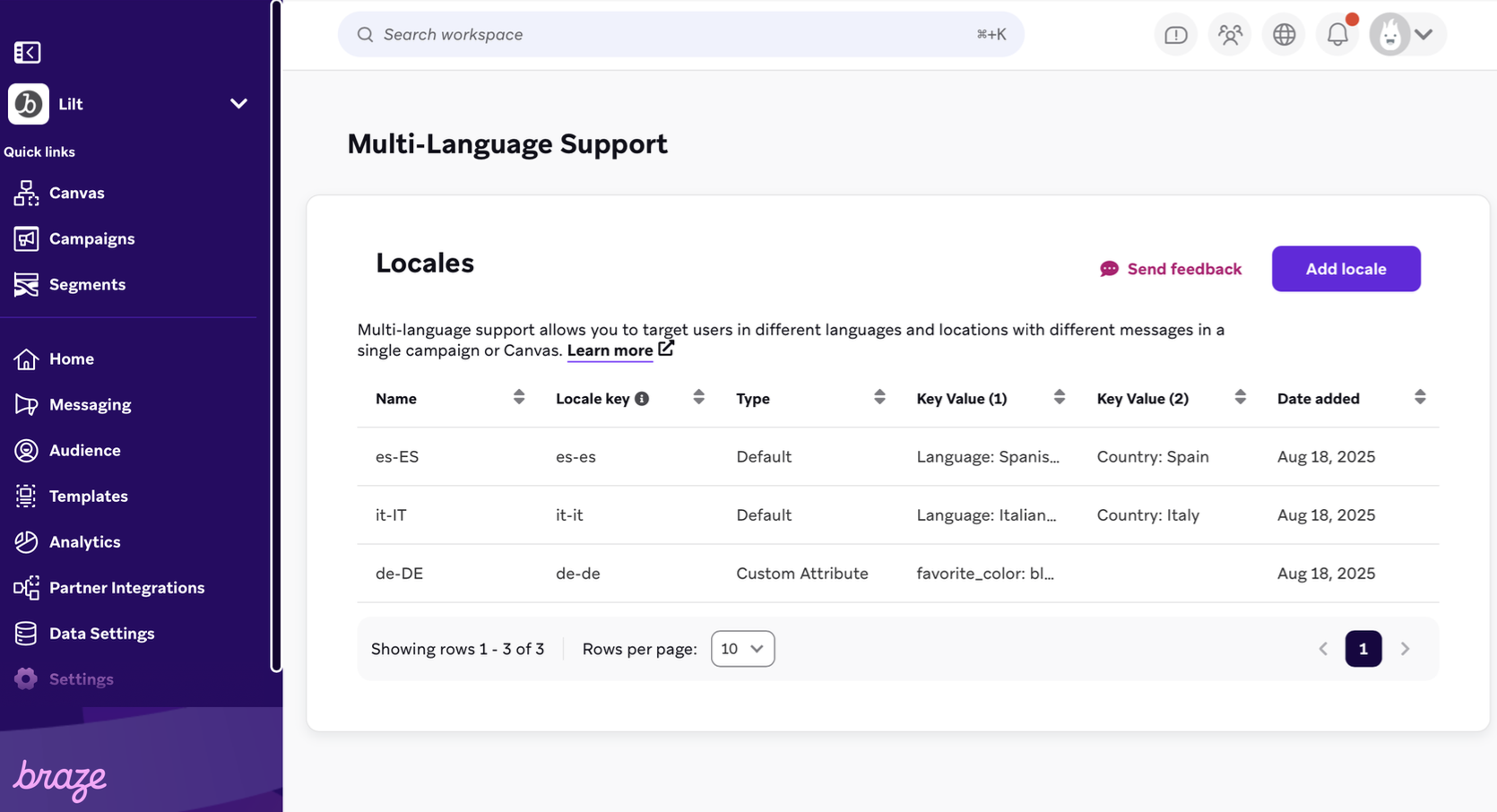
- Create the following tags in Braze for your LILT workflow:
LILT: ReadyLILT: In progressLILT: Sent to LILTLILT: DeliveredLILT: Needs AttentionLILT: Instant

Step 3: Send content to LILT for translation
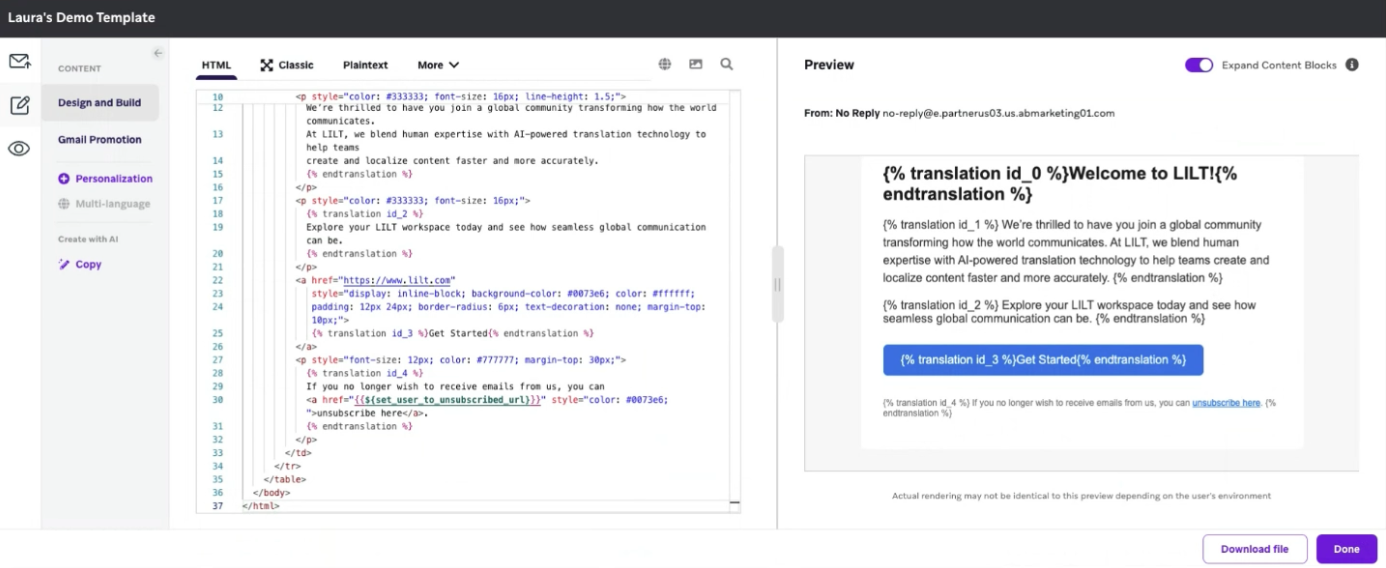
- After setting up the LILT Braze Connector, use Liquid translation tags within your Braze email templates to identify content for translation.
- Example:
{% translation id_0 %}Hello,{{first_name}}!{% endtranslation %}
- Example:
- Initiate translation by updating the template tag to indicate the desired workflow:
- Choose
LILT: Readyfor Verified Translation - Choose
LILT: Instantfor brand-aligned Instant Translation
- Choose
- The LILT Braze Connector runs at your preset timing to pull the tagged content into LILT. Track translation progress, as content tags automatically update in Braze to reflect the stage of your project.