Splio
Splio is an audience-building tool that lets you increase the number of campaigns and revenue without harming customer experience, and provides analytics to track the performance of CRM campaigns both online and offline.
The Braze and Splio integration lets you plan and execute better CRM strategies, send more targeted campaigns, find new product opportunities, and elevate revenue.
Prerequisites
| Requirement | Description |
|---|---|
| Splio account | You need a Splio account for this partnership. |
Data import integration
To integrate Braze and Splio, you must configure the Splio platform, export an existing Splio campaign, and create a cohort segment in Braze to target users in future campaigns.
Step 1: Get the Braze data import key
In Braze, go to Partner Integrations > Technology Partners and select Splio.
Find your REST endpoint and generate your Braze data import key. After you generate the key, you can create a new key or invalidate an existing one.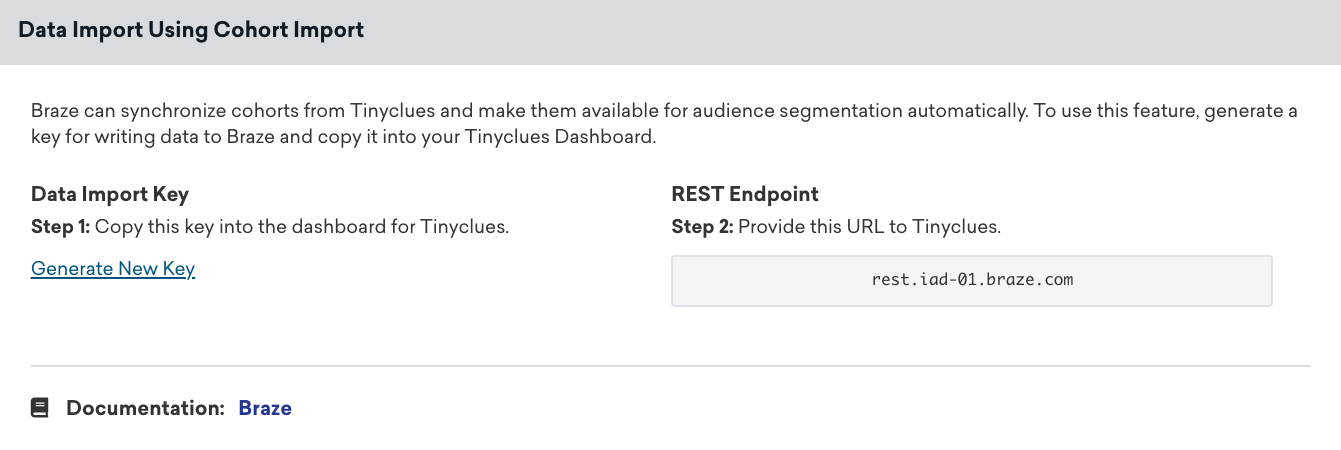
To complete the integration, provide the data import key and REST endpoint to your Splio data operations team. Splio establishes the connection and contacts you after the setup is complete.
Step 2: Export a campaign from the Splio platform
Each time you want to create a cohort of Splio users in Braze, you must first export it from the Splio platform.
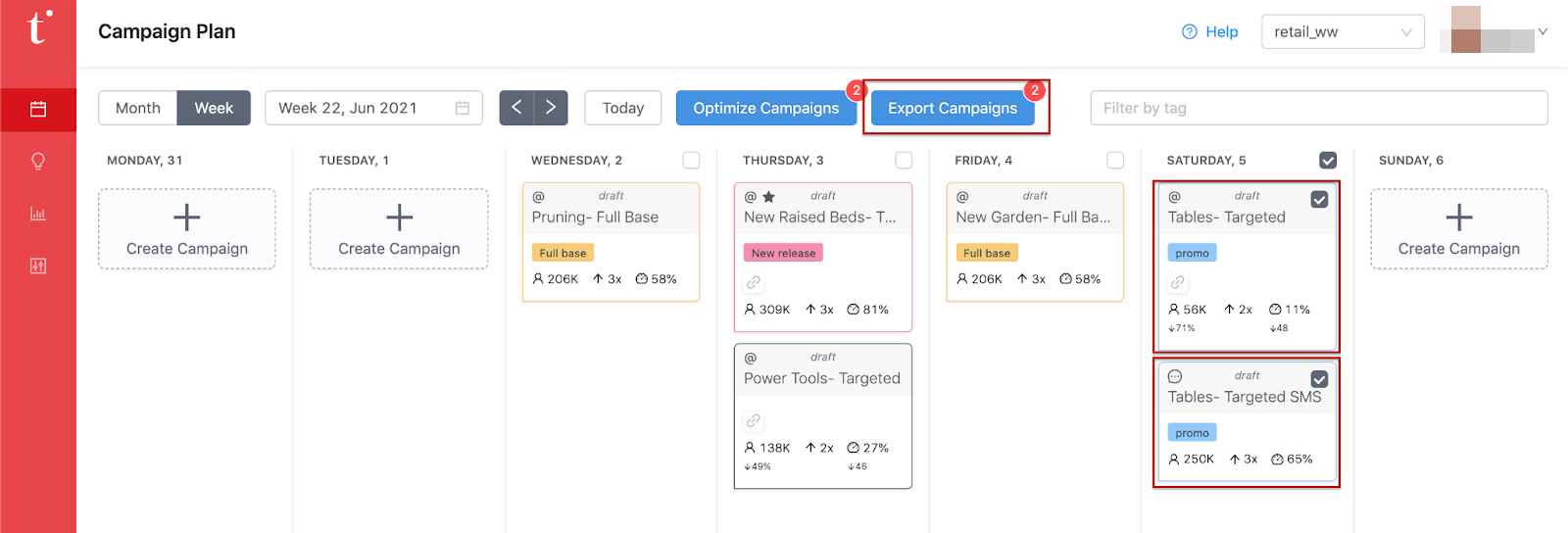
In Splio, select the campaigns you want to export and click Export Campaigns. After you export, the audience is automatically uploaded to your Braze account.
Step 3: Create a segment from the Splio custom audience
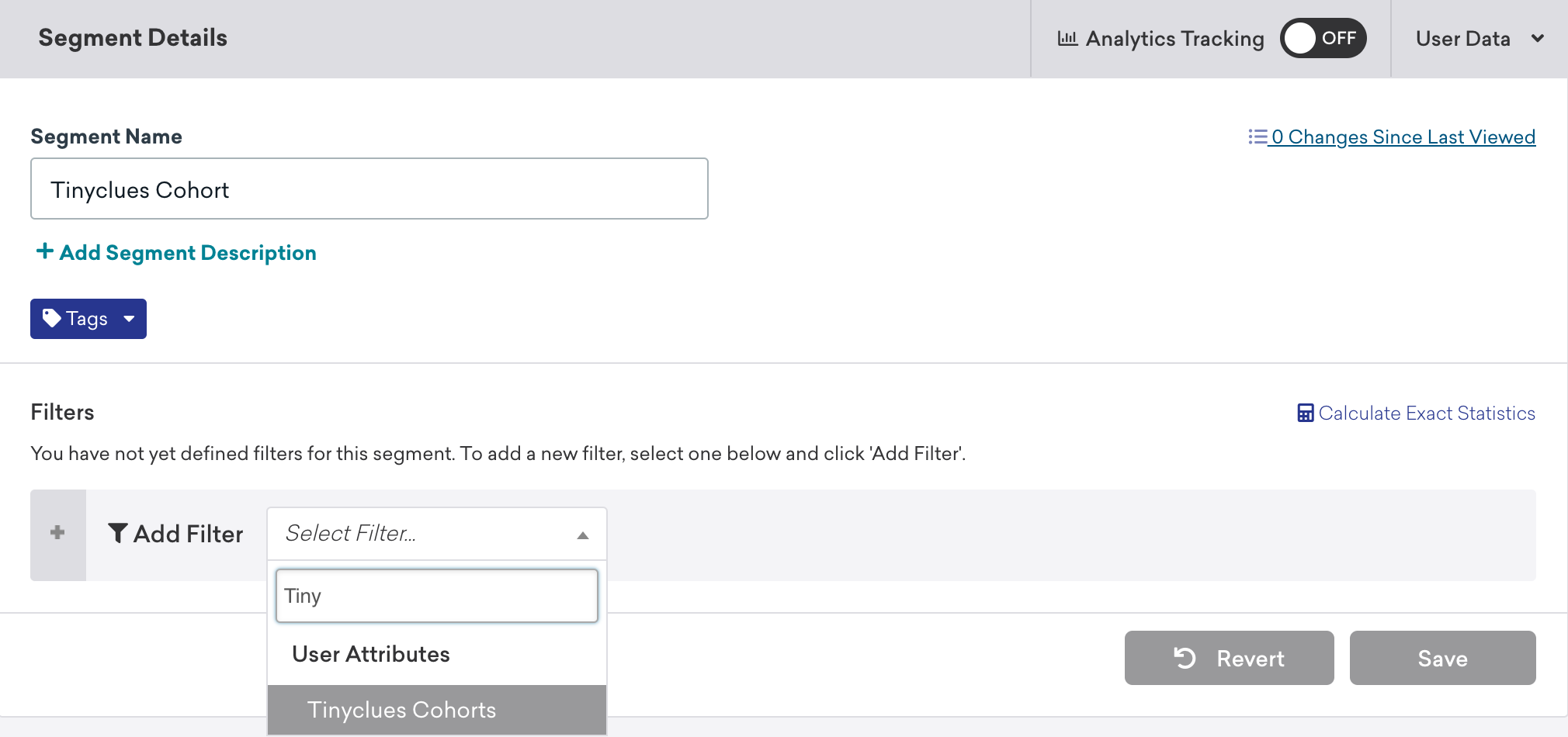
In Braze, navigate to Segments, name your Splio cohort segment, and select Splio Cohorts as your filter. From here, choose which Splio cohort to include. After you create your Splio cohort segment, you can select it as an audience filter when creating a campaign or Canvas.
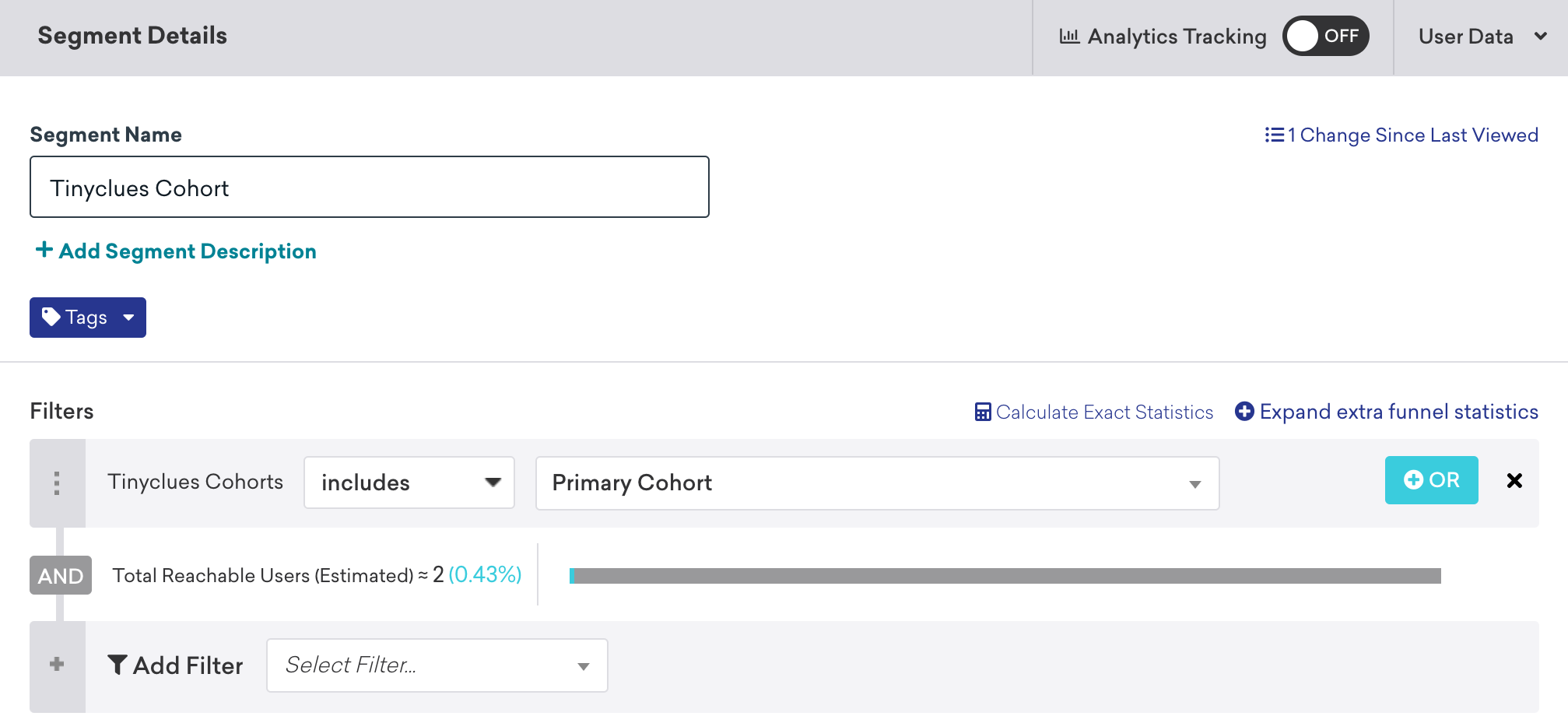
Having trouble locating your cohort? Check out the troubleshooting section for guidance.
Only users who already exist in Braze are added or removed from a cohort. Cohort Import does not create new users in Braze.
Using this integration
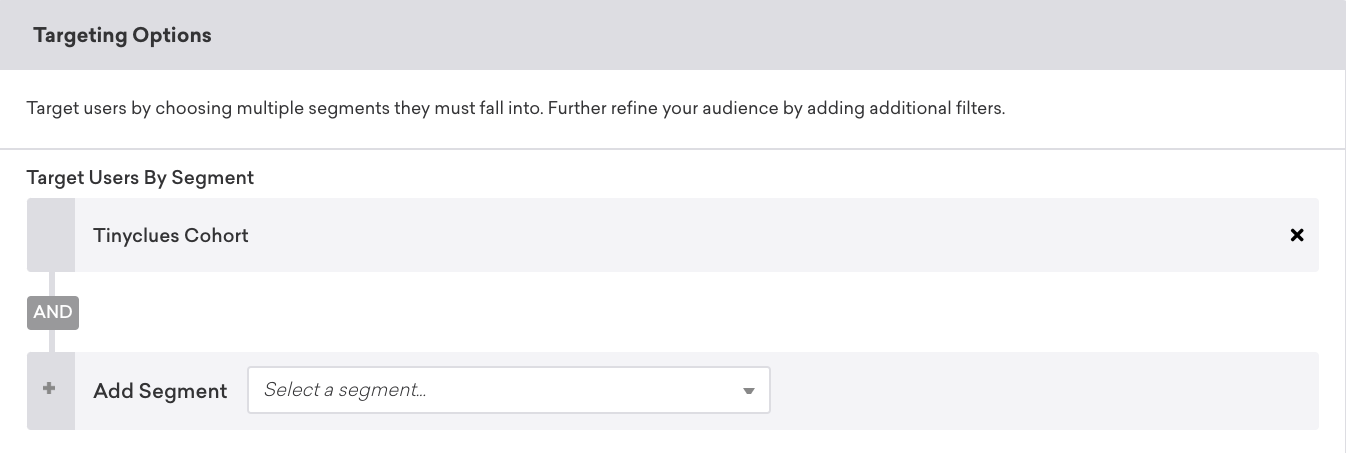
To use your Splio segment, create a Braze campaign or Canvas and select the segment as your target audience.
User matching
Braze matches identified users by their external_id or alias. Anonymous users are matched by their device_id. Identified users who were originally created as anonymous users can’t be matched by their device_id, and must be matched by their external_id or alias.
Troubleshooting
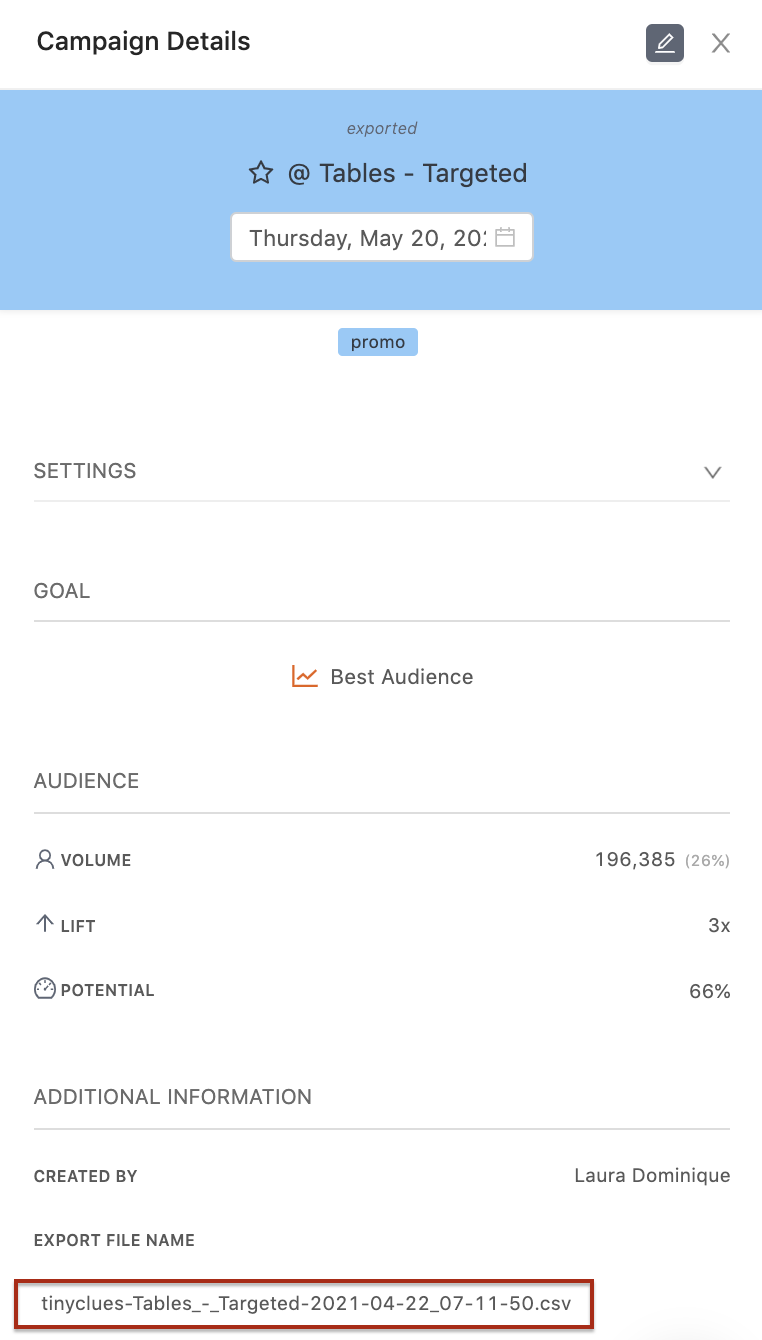
If you can’t find the right cohort in the list, view your campaign details in Splio and verify the name by checking the Export File Name.
If you’re having trouble retrieving your audience, contact the Splio team for support.
 Edit this page on GitHub