AppboyKit (also known as the Objective-C SDK) is no longer supported and has been replaced by the Swift SDK. It will no longer receive new features, bug fixes, security updates, or technical support—however, messaging and analytics will continue to function as normal. To learn more, see Introducing the New Braze Swift SDK.
Read and unread indicators
Disabling the unviewed indicator
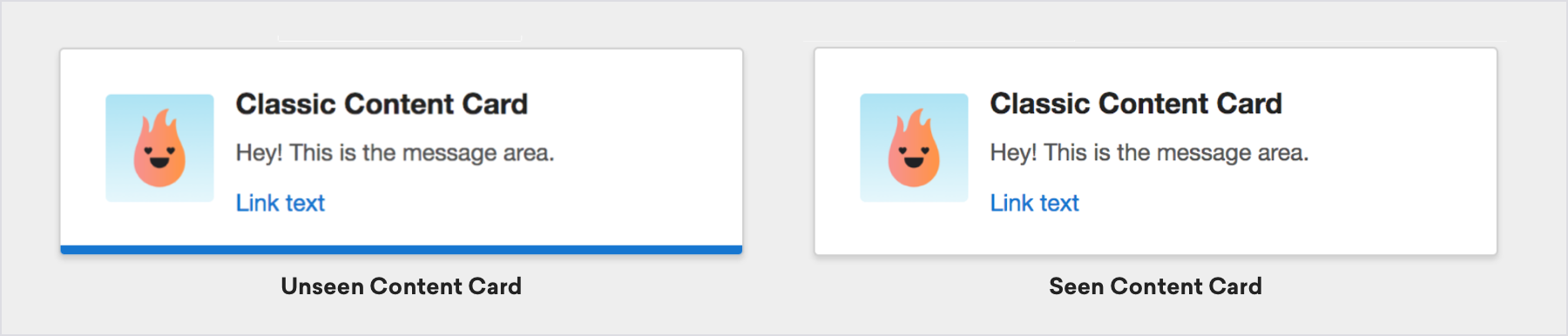
You can choose to disable the blue line at the bottom of the card, which indicates whether or not the card has been viewed by setting the disableUnviewedIndicator property in ABKContentCardsTableViewController to YES.
Customizing the unviewed indicator
The unviewed indicator can be accessed through the unviewedLineView property of the ABKBaseContentCardCell class. If you use UITableViewCell implementations, you should access the property before the cell is drawn.
For example, to set the color of the unviewed indicator to red:
1
((ABKBaseContentCardCell *)cell).unviewedLineView.backgroundColor = [UIColor redColor];
1
(card as? ABKBaseContentCardCell).unviewedLineView.backgroundColor = UIColor.red
 Edit this page on GitHub