Alerts best practices
This document contains information, general guidelines, and examples for alert types used in Braze documentation.
Alert types
Alerts categorize information that a reader should be aware of. There are four alert types that can be used in our documentation:
- Important
- Note
- Tip
- Warning
When to use an alert
Use alerts to draw a reader’s attention to important information. Keep the content short and to the point. We want to make sure that information sticks with the reader.
Refer to the following table for definitions of each alert:
| Alert Type | Definition |
|---|---|
| Important | Includes essential information that should be addressed by the reader, such as:
|
| Note | Includes one-off information that the reader should know, such as:
|
| Tip | Includes supplementary knowledge and recommendations for the reader to be aware of, such as:
|
| Warning | Includes essential information that a reader must address and can include:
|
Alert Best Practices
Here are general guidelines and best practices for alerts.
As a general rule of thumb, avoid using alerts for content that is essential to the article structure (like feature introductions, setup instructions, and steps to use a feature.). When in doubt, consult with the team during peer review.
| Guideline | Example | ||||||||||||||||||||||
|---|---|---|---|---|---|---|---|---|---|---|---|---|---|---|---|---|---|---|---|---|---|---|---|
| Explain the information in the alert in a clear, concise statement. |
note: Braze doesn’t generate profiles for users until they’ve used the app for the first time, so you can’t target users who haven’t opened your app yet. Note alert in Step 4: Add Filters to Your Segment Section | ||||||||||||||||||||||
| For alerts that apply to different sections of the same article, consider creating a new section that captures these details to avoid repetitive content. |
Property details in Message Engagement Events | ||||||||||||||||||||||
| Separate the information into short paragraphs or lists within the alert. |
important: Do not send legally required transactional emails to SMS gateways as there’s a strong likelihood that those emails will not be delivered.
Important alert in Import your email list | ||||||||||||||||||||||
| Consider any additional formatting that may impact how the alert displays (code snippets, steps, surrounding images, and more). |
tip: To pull in images for catalog trigger items, your catalog must include a field named Tip alert with code snippet in Price drop notifications | ||||||||||||||||||||||
| Include a line break for alerts that begin an article. | 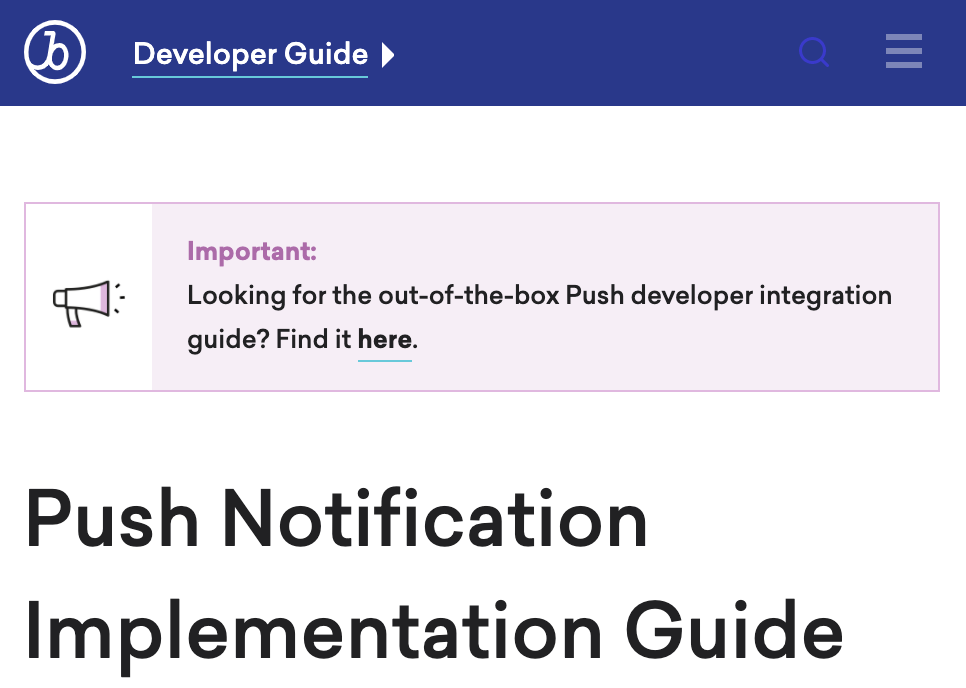 Content Card Implementation Guide | ||||||||||||||||||||||
| When writing about beta features, include an Important alert that calls out the beta status and related Braze contact information. Place this beta alert after the overview text and before the first main heading. | 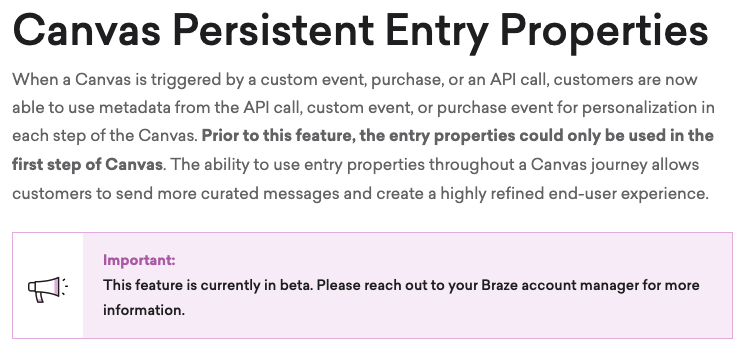 | ||||||||||||||||||||||
| Avoid using two or more alerts in a row if possible. Instead, reorganize or include the information as part of the text. | 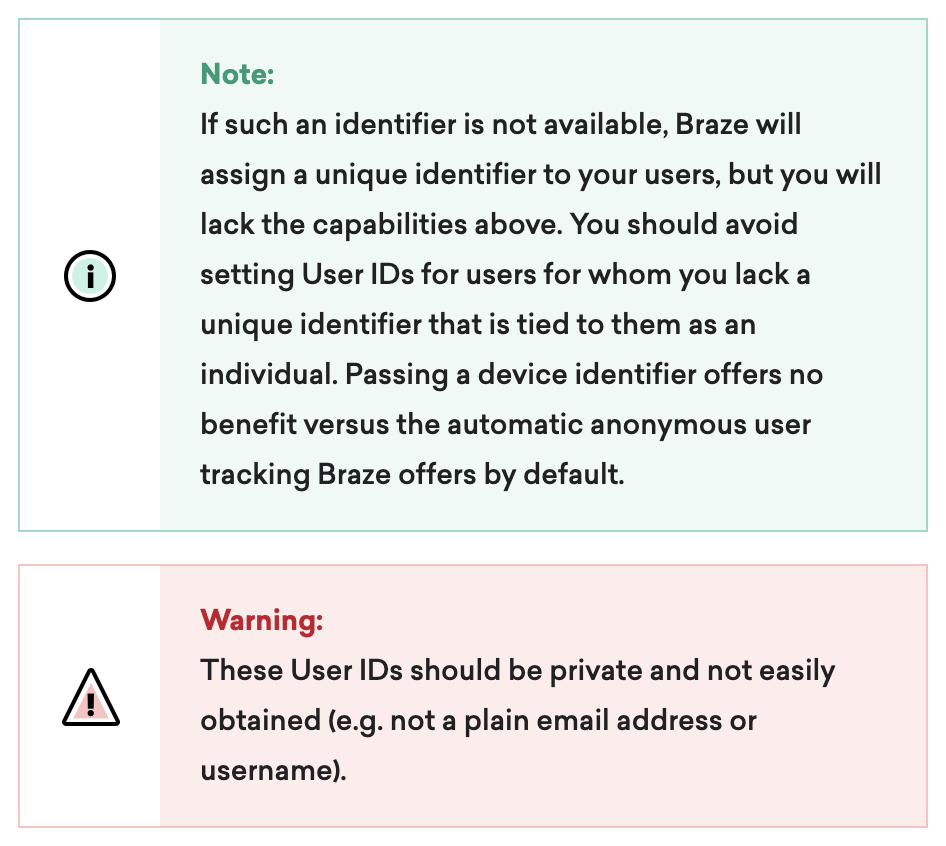 | ||||||||||||||||||||||
| If you find your alert is lengthy, consider creating a new section that includes the information as a list. For example, instead of including troubleshooting steps in an alert, consider creating a troubleshooting section or providing a link to a related article. | 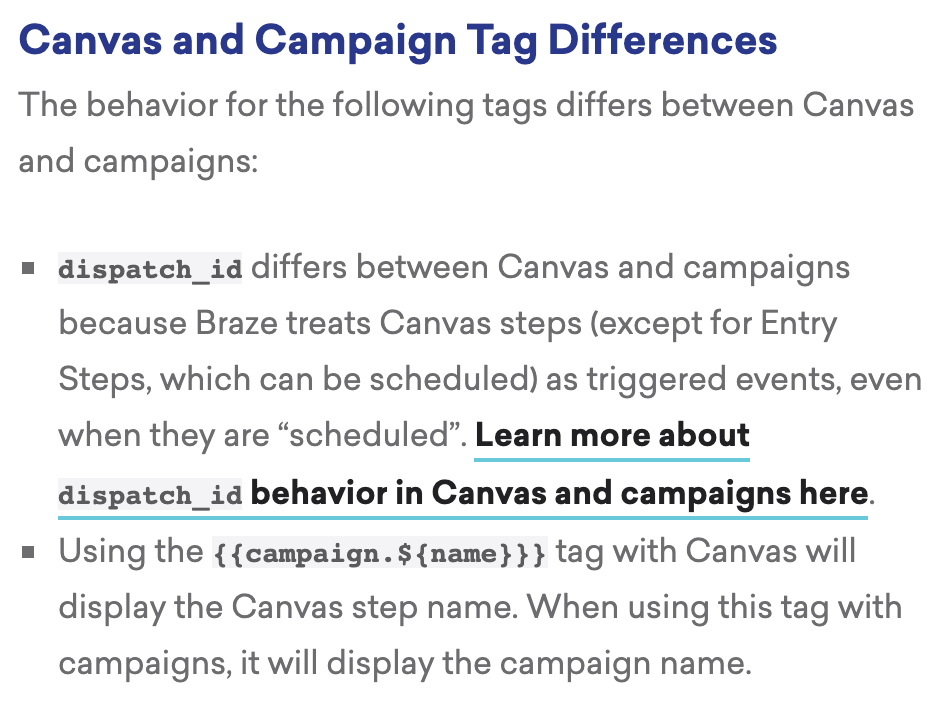 |
Alert examples
Refer to the following examples for how and why each alert type is used in our documentation.
Important alert
Private browsing windows do not support web push.
- Article: Push for Web
- Use case: Includes essential feature caveat that the reader should know as they set up their web push.
- Alert reasoning: Use an Important alert as opposed to a Note alert because the content’s importance is greater for a reader to know as they set up their web push.
Appending a BCC address to your campaign or Canvas results in doubling your billable emails for the campaign or Canvas component since Braze sends one message to your user and one to your BCC address.
- Article: Email Settings
- Use case:
- Provides important feature caveat about the possibility of doubling billable emails
- Redirects reader to contact their customer success manager as needed
- Alert reasoning: The Important alert is used here to communicate details about the BCC addresses in their email settings. This information is best presented using an Important alert as opposed to a Warning alert because omitting this information does not impact the feature irreversibly (such as feature breaking, permanent data loss).
The Notification Display Priority setting is no longer used on devices running Android O or later. On these devices, set the priority through notification channel configuration.
- Article: Advanced Campaign Settings
- Use case: Includes pressing feature caveat about the Notification Priority. Redirects the reader to new information that’s available.
- Alert reasoning: The Important alert is best used here to redirect the reader to current information and to highlight that the section is applicable only to certain users. It’s also placed after the section header, which forces the user to address the important alert before reading the rest of the section.
Note alert
Frequency capping doesn’t apply to Content Cards.
- Article: Create a Content Card
- Use case: Includes additional information that a reader should be aware of as they learn more about Content Cards.
- Alert reasoning: This Note alert provides background information on how Braze cycles older Content Cards for users. This is helpful, supplemental information for the reader to be aware of and does not require the use of an Important or Tip alert.
A date string such as “12-1-2021” or “12/1/2021” will be converted to a datetime object and treated as a time attribute.
- Article: Custom Attributes
- Use case: Includes general information that a reader should be aware of. Provides an article to learn more about related content (time attributes).
- Alert reasoning: This information is best relayed using a Note alert as opposed to an Important alert because the content is directed to provide general information. Disregarding this information would not impact the ease of use for this feature.
All user profile data (custom events, custom attributes, custom data) is stored as long as those profiles are active.
- Article: Manage Custom Data
- Use case: Includes general information that a reader should be aware of. Redirects to Braze contact for further information.
- Alert reasoning: This Note alert provides additional information about data storage that would be helpful for a reader to know as they manage their custom attributes. However, the content does not require a stronger indication of importance to the reader, so a Note alert is acceptable here.
Tip alert
Test Your SMS Copy Length
If you’d like to see how many segments your message will dispatch, enter your copy into the calculator. Note that this will not process or predict the output of Liquid or Connected Content.
- Article: SMS and RCS Billing Calculators
- Use case: Includes tool for the reader to understand their message length and SMS segment count. Provides information that may be helpful for the reader in their understanding of copy limits.
- Alert reasoning: This is a lengthy Tip alert because it provides a space for entering the copy to see how many segments a message dispatches. The Tip alert is the best option here because this is a helpful generator for the reader to use in the process of setting up their SMS messages.
For help with CSV and API exports, visit Export troubleshooting.
- Article: Export KPIs for Daily App Uninstalls by Date
- Use case: Provides troubleshooting advice when using this endpoint.
- Alert reasoning: The Tip alert provides additional support for the reader. Use a Tip alert as opposed to a Note alert because the focus of the content is to assist the reader by providing the troubleshooting article.
Warning alert
Don’t assign an external_id to a user profile before you can uniquely identify them. After you identify a user, you can’t revert them to anonymous.
An external_id can be updated using the /users/external_ids/rename endpoint. However, any attempt to set a different external_id during a user’s session will create a new user profile with the new external_id associated with it. No data will be passed between the two profiles.
- Article: User Profile Lifecycle
- Use case: Indicates something that the reader should not do when creating their user profiles in Braze.
- Alert reasoning: The Warning alert is used to caution the reader against assigning an external_id before uniquely identifying them. This information is best relayed using a Warning alert as opposed to an Important alert because it includes irreversible consequences for the user profile.
If you intend to create more than one of the same Currents connectors (for example, two message engagement event connectors), they must be in different workspaces. Because the Braze Segment Currents integration cannot isolate events by different apps in a single workspace, failure to do this will lead to unnecessary data deduping and lost data.
- Article: Segment for Currents
- Use case: Cautions the reader when creating Currents connectors. Includes the consequence of incorrectly creating these connectors.
- Alert reasoning: The Warning alert is best used here to describe the limitations of the Braze Segment Currents integration. Use a Warning alert as opposed to an Important alert because creating more than one of the same Currents connectors incorrectly may result in losing data.
Avoid configuring an action-based campaign or Canvas with the same trigger as the audience filter (such as a changed attribute or performed a custom event). A race condition may occur in which the user is not in the audience at the time they perform the trigger event, which means they won’t receive the campaign or enter the Canvas.
- Article: Create a Canvas
- Use case: Lists the information that may cause the feature to not work. Details how the intended audience may not receive the campaign or enter the Canvas.
- Alert reasoning: The Warning alert is used here to note how the feature may work incorrectly. This information is best relayed using a Warning alert as opposed to an Important alert because the information is critical and may result in breaking the Canvas delivery.
 Edit this page on GitHub